


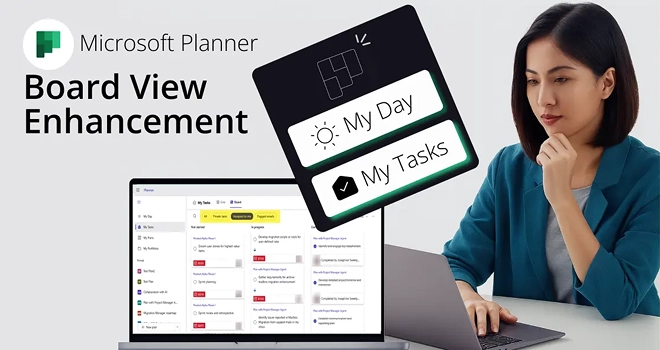
In the new Integrated version of Microsoft Planner, you’ll find a “My Day” view for tasks due today and a “My Tasks” view for all tasks assigned to you across different sources, including formerly standalone To Do tasks. These views were previously part of the “To Do” app and are now integrated into the new Planner in Microsoft365.
Board view in Microsoft Planner displays your tasks as cards grouped under columns on a board, providing a clear overview of your workflow at a glance. It also makes it easier to manage and track tasks, allowing users to switch between them in a quick manner.
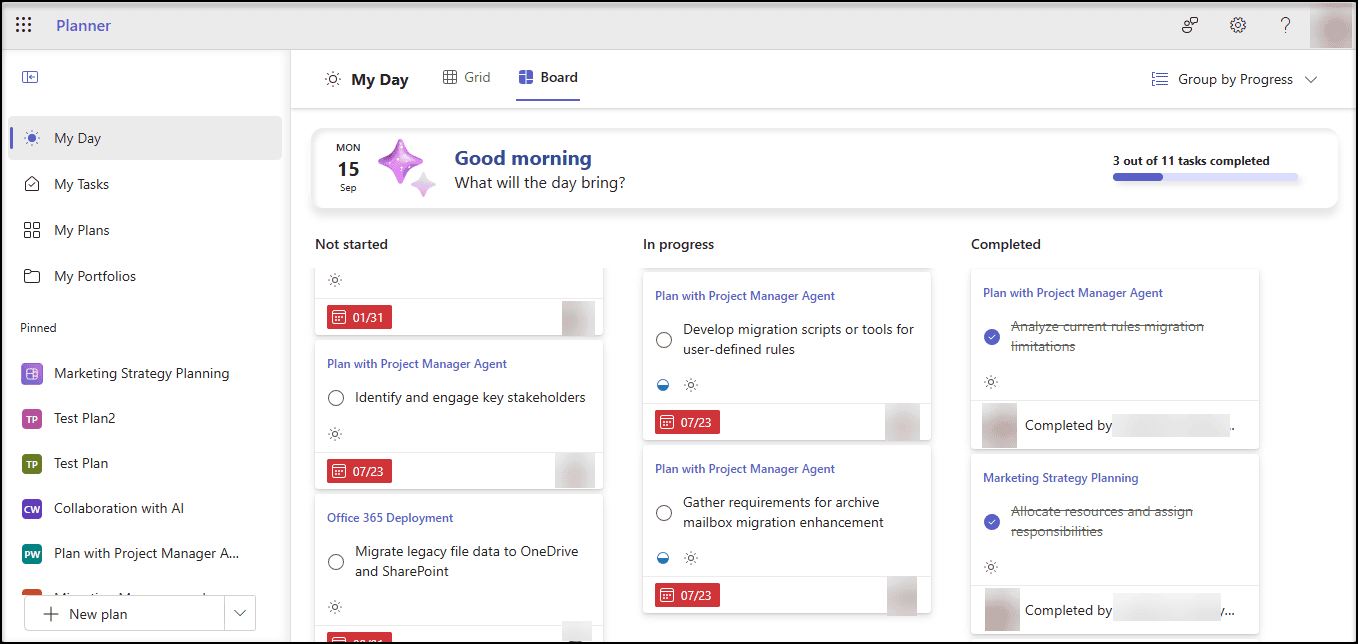
Now, Board view being expanded to My Tasks and My Day, it offers a more visual and organized way to manage your tasks, helping you stay on top of your priorities and improve your productivity.
My Tasks
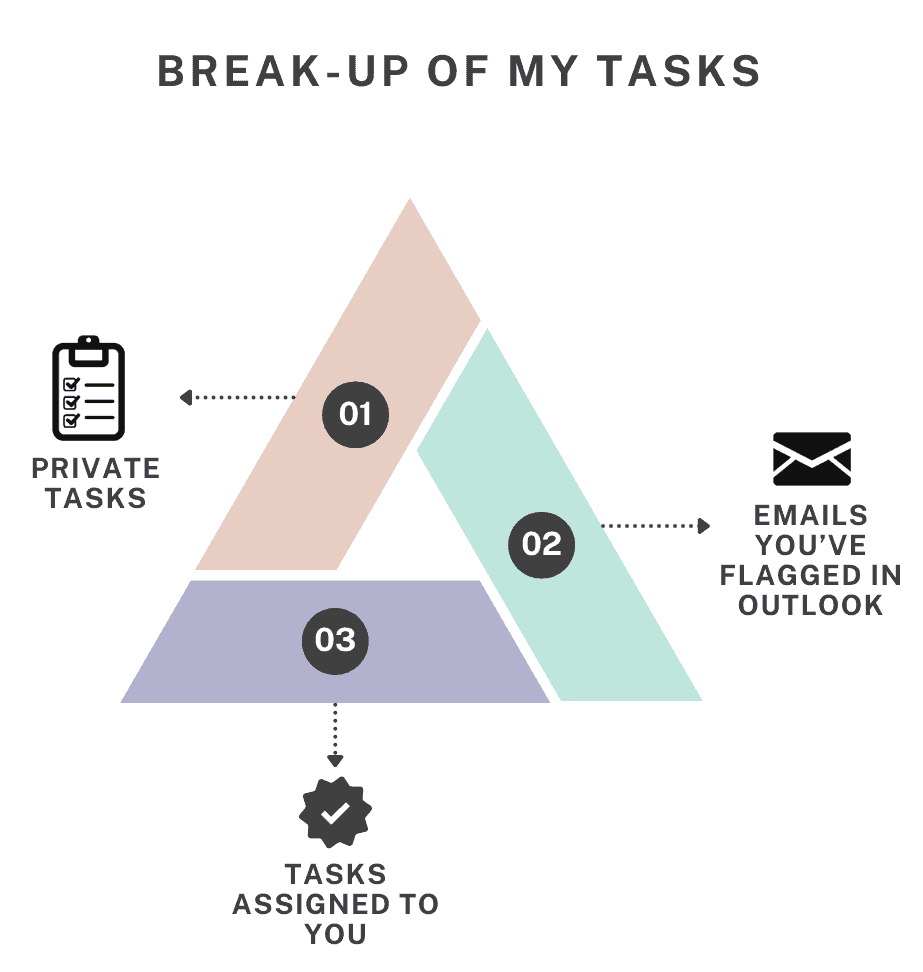
My Tasks in Planner presents all your private tasks, tasks assigned to you, and emails you’ve flagged in Outlook.
Board view
- Helps you stay organized by highlighting the tasks that matter most, making it easier to focus on Individual Microsoft Planner tasks.
- Helps you drag any task into the buckets “In Progress” and “Completed” as and when you progress.
- Helps you give a clear picture on the count of tasks you are currently working on and the count you have completed, at any point of time.
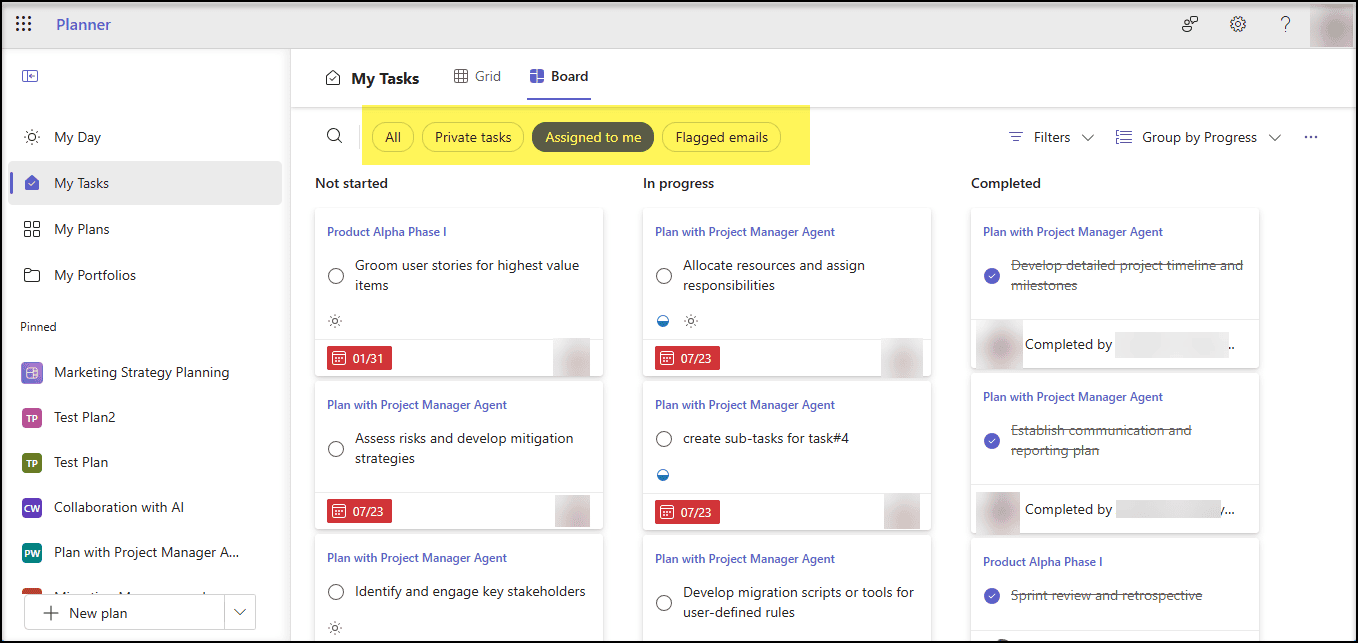
You can also filter the tasks based on below criteria as highlighted in the above picture.
- Private Tasks
- Assigned to me
- Flagged emails
My Day
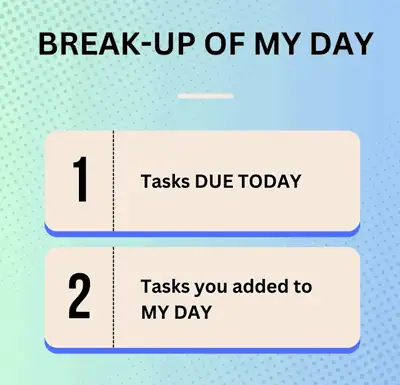
In My Day, you can see your tasks Due TODAY and tasks you’ve added to My Day from My Tasks in Planner.
Glimpse of Board view in My Day

















 Migrate
 Manage
 Migrate Microsoft 365








