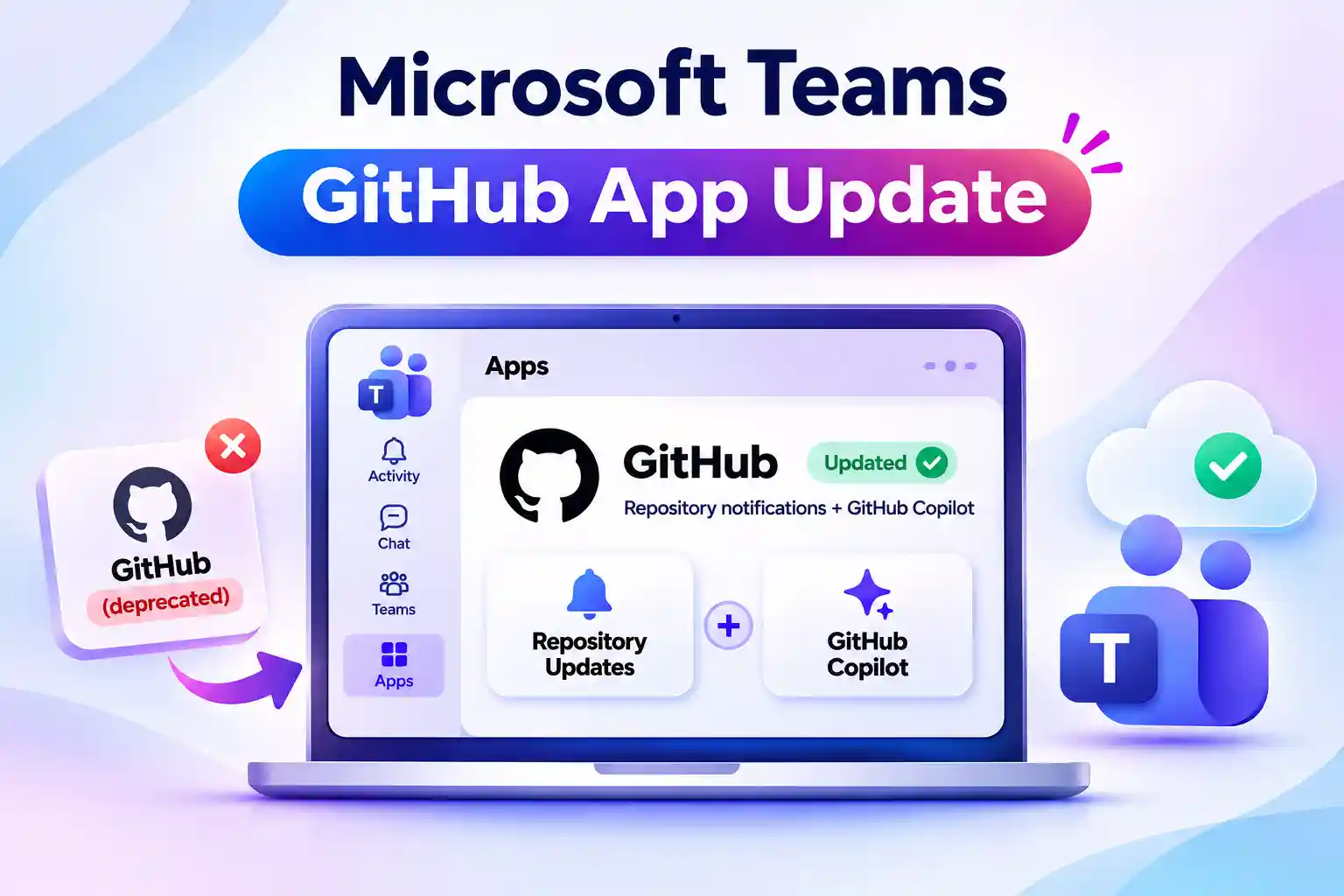
Microsoft is combining GitHub Notifications and GitHub Copilot capabilities into one GitHub app for Microsoft Teams. The update brings repository notifications and Copilot features together while replacing the legacy GitHub app.
If you use GitHub in Teams, you will need to either update your existing app or replace the deprecated version. Here is what is changing and what you need to check.
One GitHub App for Repository Updates and Copilot
The consolidated app is named GitHub. It brings repository activity and GitHub Copilot capabilities into the same Teams app, helping you follow updates and act on them without switching away from your conversation.
The changes depend on your existing app:
- Legacy GitHub app: Appears as GitHub (deprecated) until retirement and needs to be replaced.
- GitHub Notifications: Requires a manual update and is being renamed GitHub.
- GitHub Copilot capabilities: Require an eligible GitHub Copilot license.
Before making changes, identify the app you currently use. This helps you follow the right update path rather than trying to update an app that needs replacing.
🔎 Which GitHub App Is Your Team Using?
Check the GitHub app connected to your Teams conversations.
- Look for the name GitHub (deprecated).
- Check whether your app still appears as GitHub Notifications.
- Confirm whether you have updated to the consolidated GitHub app.
Use this check to identify which conversations need an app replacement and which need an update.
Legacy GitHub App Deprecation: Replace, Don’t Just Rename
If you use the legacy GitHub app, remove it from your Teams conversations and add the new app named GitHub. Renaming the existing app is not a substitute for replacing it.
Follow these steps:
- Identify the conversations where you use the legacy app.
- Remove GitHub (deprecated).
- Add the new GitHub app to the relevant conversations.
- Verify that repository notifications reach the intended conversations.
If you maintain internal instructions, update them with the correct app names. Clear guidance helps you avoid selecting the deprecated app during setup.
GitHub Notifications Users: Update to Unlock the Consolidated App
If you use GitHub Notifications, manually update it to the latest version. The app is being renamed GitHub as part of the consolidation.
The updated app brings repository notifications and GitHub Copilot capabilities together. However, installing the update does not automatically make you eligible to use Copilot.
Check that you have an eligible GitHub Copilot license before planning to use those capabilities.
💬 What Matters Most to Your Developers?
Before preparing guidance for your team, identify which capabilities will be most useful in daily work.
Share a short poll with these options:
- Repository activity notifications
- GitHub Copilot capabilities
- Both in one Teams app
Use the responses to keep your walkthrough relevant, with a clear explanation of the Copilot licensing requirement.
GitHub Copilot in Teams: Check Resource-Specific Consent
If your organization restricts resource-specific consent, or RSC, review the applicable team and chat consent policies.
The GitHub app needs its required RSC permissions so GitHub Copilot can use chat and thread history as context.
RSC scopes access to specific resources, such as a team or chat. Review the requested permissions against your security requirements and assess app availability separately from access to conversation data.
✅ Run a Repository Notification Check
After replacing or updating the app, verify that the integration delivers the updates you rely on.
- Confirm the repositories you follow.
- Check the event types you want to receive.
- Verify that notifications appear in the intended Teams conversations.
Record the results in the relevant team chat so everyone can see what has been checked and flag any missing notifications.
Teams Admin Checklist: App Access, Licensing, and Permissions
If you manage Teams apps, review how the consolidated GitHub app fits into your existing access and governance settings. Making the app available is only one part of preparing it for use.
Include these checks:
- App availability: Ensure the new GitHub app is available to the people who need it.
- User access: Review the applicable app management controls and user or group assignments.
- Copilot eligibility: Confirm eligible GitHub Copilot licensing where required.
- Internal guidance: Update setup instructions and support articles to distinguish GitHub from GitHub (deprecated).
Use the Teams admin center to review app availability and manage access in line with your organization’s requirements.
Keep GitHub Collaboration Connected in Teams
Your next step depends on your current setup: replace the legacy GitHub app or manually update GitHub Notifications to the consolidated GitHub app.
Once that is complete, check notification delivery, app access, and any licensing or consent requirements for Copilot. Confirm that updates from the repositories and event types you follow reach the intended Teams conversations. These checks help ensure the app supports your daily collaboration, rather than simply being installed.
Explore Microsoft’s Official App and Permission Guides
Use these Microsoft guides to manage the GitHub app in Teams and review the consent permissions it needs.