
Your SharePoint storage may be holding years of completed projects, historical reports, and documents that rarely get opened. These files still matter for compliance, but keeping them in active storage can add unnecessary cost.
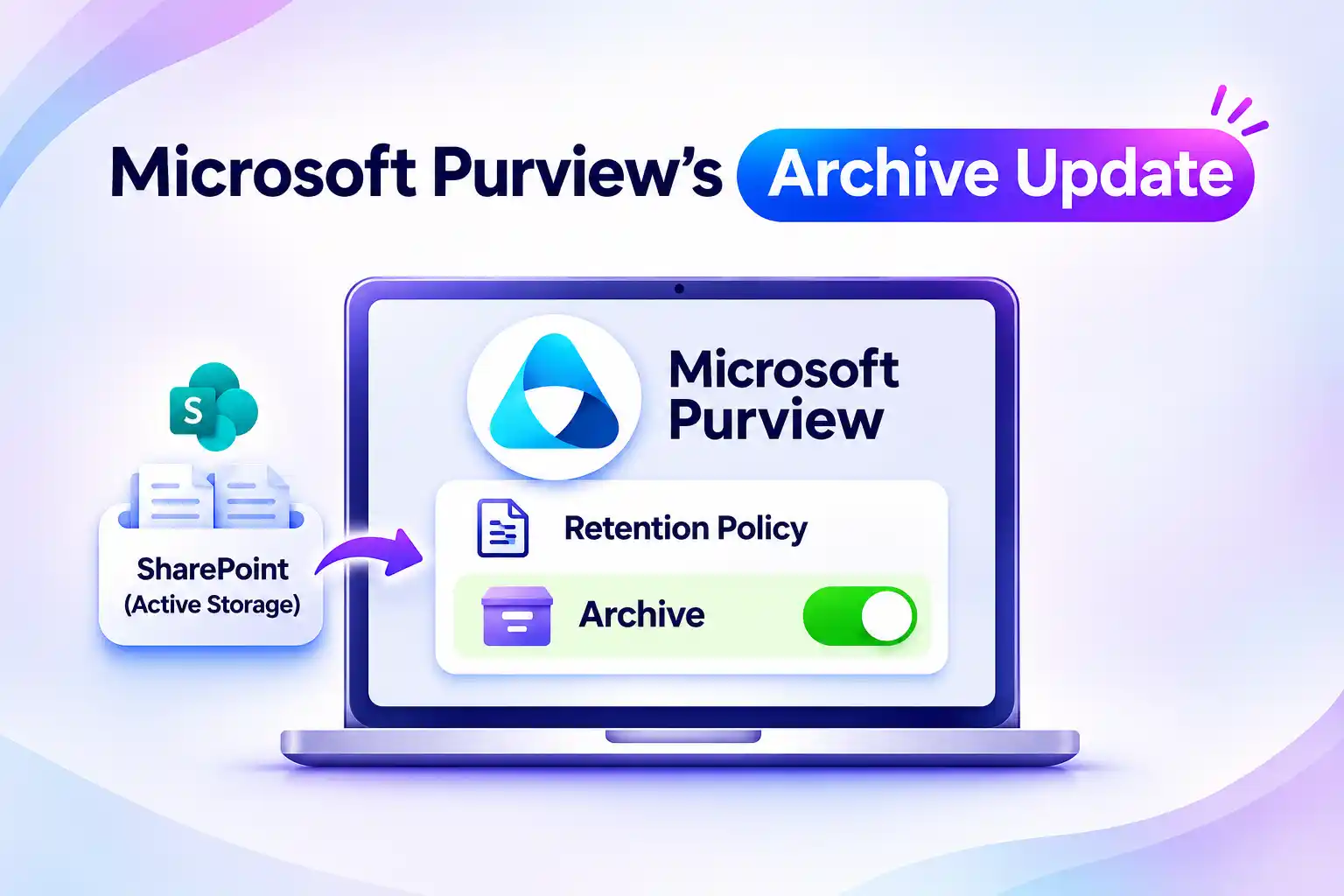
Microsoft Purview’s archive update gives you a way to manage that balance. You can move eligible SharePoint files into Microsoft 365 Archive through retention policies while keeping them protected and discoverable for compliance.
Microsoft Purview Retention Policies Get an Archive Action
Microsoft Purview Data Lifecycle Management adds an archive action to retention settings. You can use it to move eligible inactive files into Microsoft 365 Archive instead of leaving them in active SharePoint storage.
The important distinction is archiving, not deleting. Your files move to a lower-cost storage tier while remaining subject to applicable retention requirements and legal holds.
With retention-based archiving, you can:
- Move eligible SharePoint files into archive storage.
- Preserve content for Microsoft Purview eDiscovery and content search.
- Maintain applicable retention and legal hold protections.
- Exclude archived files from Microsoft 365 Copilot indexing.
This gives you more control over where retained content lives without treating every document as an active working file.
💬 What Is Taking Up Your SharePoint Storage?
Start with files that remain in SharePoint because they must be kept, not because they support current work.
Your review could include:
- Documents from completed projects.
- Historical business reports.
- Files from inactive departments or workspaces.
Grouping these files by business purpose can help you identify suitable archive candidates before changing a retention policy.
Ease SharePoint Storage Pressure, Preserve Compliance Visibility
Microsoft 365 Archive separates inactive content from the files you use every day. Archived files no longer consume your tenant’s active SharePoint storage quota and instead count toward Archive storage consumption.
This creates an opportunity to reduce storage costs without deleting documents your organization must retain. Your actual savings depend on storage usage and Microsoft 365 Archive billing.
Moving a file into archive storage does not remove it from compliance discovery workflows. You can still locate archived content through Microsoft Purview content search and eDiscovery.
For your storage strategy, that means you can preserve required information without keeping every retained file in the active storage tier.
Keep Outdated Files Out of Microsoft 365 Copilot Responses
Keeping a document for compliance does not always mean it should remain part of everyday information discovery.
Archived SharePoint files are excluded from Microsoft 365 Copilot indexing. This can help improve response relevance by keeping inactive content out of Copilot’s indexed information sources.
Your archived files remain available for compliance searches, but they no longer serve the same role as active content in Copilot indexing.
This distinction helps you separate long-term retention needs from the information used to support current work.
🔎 Which Documents Should Stay in Daily Use?
A file’s age alone does not tell you whether it belongs in an archive. An older document may still support an active process.
Before selecting archive candidates, review:
- Whether the file supports ongoing work.
- Whether it is retained mainly for historical or compliance purposes.
- Whether occasional reactivation would provide sufficient access.
Confirm these needs with the relevant site owner before moving important working documents out of active storage.
How SharePoint Retention-Based Archiving Works
The archive action is not enabled by default. Your existing retention policies and labels will not begin archiving files unless you update them to include the action.
In the retention settings, select “Archive retained items in secure and compliant Microsoft 365 Archive to reduce cost”. You can then configure when eligible files should move into archive storage.
The archive period can be based on:
- When the file was created.
- When the file was last modified.
These settings matter when defining your policy. The archive action uses the configured creation or modification date, rather than assuming a file is inactive because it has not been opened recently.
Items that don’t support the archive action remain active and event-based retention is not supported for file-level archive.
Licensing, Access, and Reactivation: What Admins Should Know
File-level archive requires a Microsoft 365 E5 license. You also need to configure Microsoft 365 Archive pay-as-you-go billing to use its cost-saving benefits.
Archiving changes normal file access. An archived file must be reactivated before normal access resumes, while compliance search and export capabilities remain available.
Before updating your retention settings, account for these details:
- A user with read access can reactivate an archived file.
- Retention and hold requirements continue after reactivation.
- A reactivated file cannot be archived again for 120 days.
- File archive actions are recorded in the Microsoft 365 audit log.
Keep the workload scope clear when planning your changes. File-level archive is documented for SharePoint sites, so you should not assume the same capability applies to OneDrive accounts.
✅ Build Your Archive Readiness Checklist
A short review before configuration can help you avoid unexpected access issues and make better storage decisions.
Use this checklist to prepare:
- Identify files that no longer need everyday access.
- Confirm retention and legal hold requirements.
- Review licensing and Archive billing.
- Establish expectations for file reactivation.
- Explain access changes to affected employees.
Align your plan with IT, compliance, and site owners so the archive settings support both your storage goals and business requirements.
Make SharePoint Data Lifecycle Management More Intentional
Microsoft Purview’s archive action gives you another way to manage content that must be retained but no longer needs a place in active SharePoint storage.
Begin with a focused set of suitable files and review the policies that govern them. Confirm access needs, compliance obligations, and expected costs before enabling the archive action.
A well-planned approach keeps everyday content accessible while preserving inactive files in a storage tier better suited to long-term retention.
Go Deeper: Microsoft’s Official Guide to Retention and Archiving
Review the configuration options, requirements, and limitations before putting your SharePoint archiving plan into practice.