


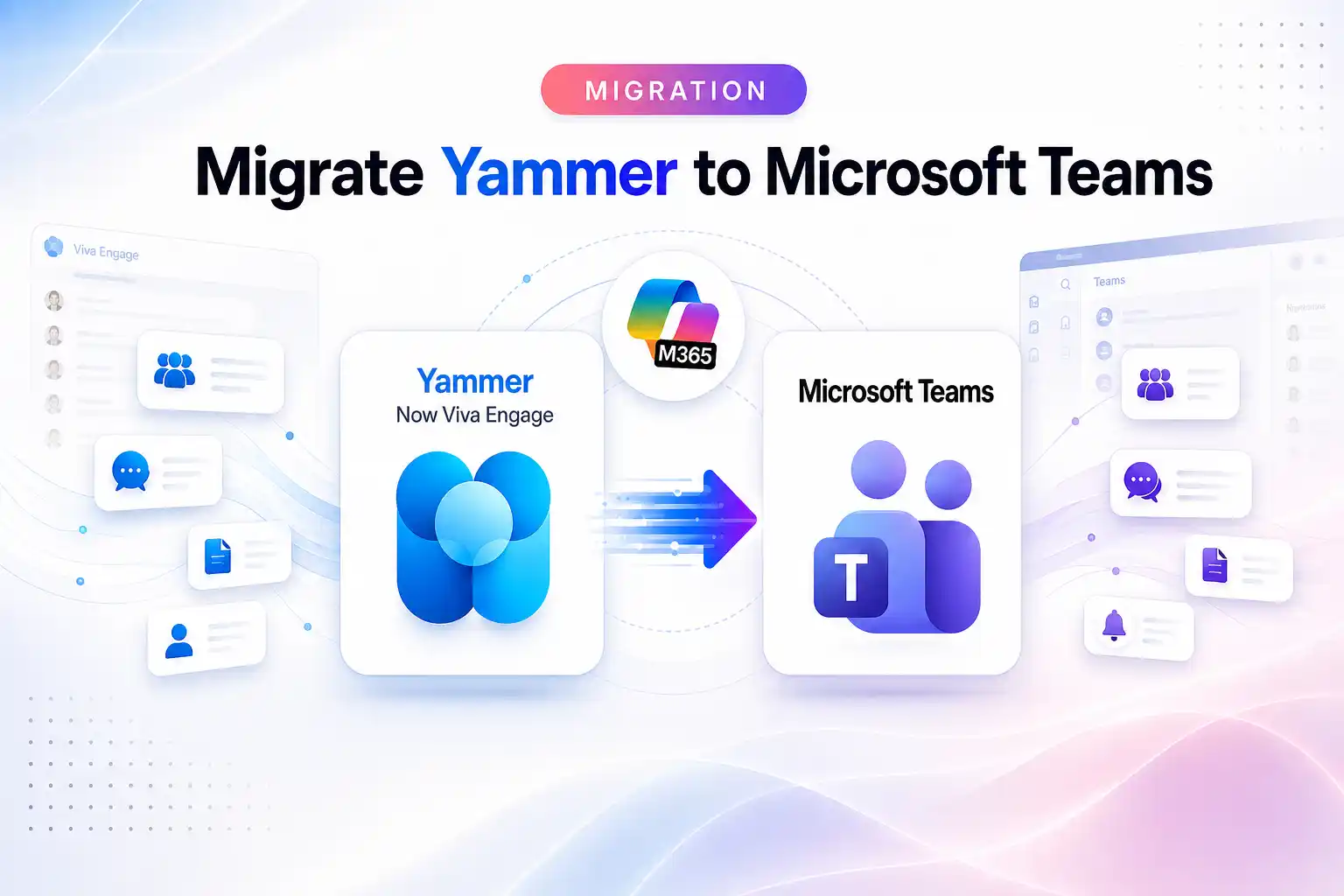
“How do I migrate Yammer to Microsoft Teams?” is one of the most common questions asked about Yammer today and it’s built on a misunderstanding that’s easy to have and important to clear up before you spend time (or budget) on the wrong project.
The short answer: you don’t migrate Yammer into Teams, because Yammer isn’t a separate thing you move anymore. Yammer became Viva Engage, Microsoft finished the rebrand in 2023 and retired the Yammer name entirely by the end of 2024 and as of 2026, Viva Engage communities now appear natively inside Microsoft Teams with no migration required at all. So depending on what you’re actually trying to do, the answer ranges from “it already happened automatically” to “yes, but that’s a different project than you think.”
Let’s untangle it, because getting the intent right saves you from solving a problem that doesn’t exist.
- First, the naming: Yammer is Viva Engage
- Second, the big one: Viva Engage now lives inside Teams
- So when is there a real migration?
- Scenario A: Moving Viva Engage to another tenant
- Scenario B: Reorganizing community content into Teams channels
- Which path is yours? A quick decision guide
- What actually moves in a real Viva Engage migration
- The bottom line
First, the naming: Yammer is Viva Engage
If you’re still thinking in terms of “Yammer,” here’s where it went:
- Microsoft rebranded Yammer to Viva Engage in 2023 and retired the Yammer brand completely by the end of 2024.
- Your communities, conversations, files, and history all carried over — same network, new name, plus new capabilities like storyline, Leadership Corner, and Copilot grounding.
- The legacy Yammer admin center has been folding into the Engage admin center.
So “Yammer” and “Viva Engage” refer to the same platform. Any project you’re scoping is really a Viva Engage project, whatever you call it in the search bar.
Second, the big one: Viva Engage now lives inside Teams
Here’s the part that resolves most of the confusion. Through 2026, Microsoft rolled out Viva Engage communities directly into Microsoft Teams. Once enabled, communities appear in the Teams left navigation alongside your chats and channels —no separate app to open, no content to move.
Critically, this integration requires no migration. For organizations that already have Viva Engage:
- Existing community memberships sync automatically into Teams, users don’t rejoin anything.
- Existing content, permissions, and governance settings carry over as-is; the standalone Viva Engage web and mobile apps keep running as the backend, and posts stay accessible in both places.
- Communities you favorited in Viva Engage show up in Teams favorites, and announcements and mentions surface in the Teams activity feed.
- No additional Teams license is required for the community experience.
One nuance worth knowing: from within Teams you can join and participate in existing communities, but you generally can’t create new ones there — creation still happens in Viva Engage. (At rollout, the experience also excluded certain clouds such as Education and government tenants, so confirm availability for your environment.)
So if what you actually want is “I want my Yammer/Viva Engage communities to be usable inside Teams” — good news: that’s a built-in integration, not a migration. Check whether it’s enabled in your tenant’s admin settings and you’re done.
So when is there a real migration?
There are two genuine scenarios people are usually describing when they search “migrate Yammer to Teams.” Neither is actually a move into Teams but both are real projects.
Scenario A: Moving Viva Engage to another tenant
This is the one that’s a true, involved migration and it’s Viva Engage → Viva Engage across tenants, not Yammer → Teams. It comes up during:
- Mergers and acquisitions — merging two organizations’ networks.
- Divestitures — carving one company’s communities out to a new tenant.
- Tenant consolidation or rebrands — collapsing multiple M365 tenants into one.
Here you’re genuinely moving communities, conversations, replies, files, and memberships from a source tenant to a destination tenant and because the destination also has the Teams integration, those communities then show up in Teams automatically on the other side. This is where preserving fidelity matters: keeping the original author on each post, keeping replies threaded and in order, mapping identities across tenants, and handling the built-in “All Company” community correctly. Native tooling for this is limited, which is why organizations use a purpose-built tool. (More on that below.)
Scenario B: Reorganizing community content into Teams channels
Occasionally an organization genuinely wants to retire a community and move its discussion content into a specific Teams channel — folding a project-oriented community into the team that owns that work.
This is possible, but understand what it is: a content-reorganization exercise, not a like-for-like migration. Yammer/Viva Engage communities and Teams channels are different models — one is a broad, asynchronous, discoverable community feed; the other is tighter, project-based team collaboration. Threaded community conversations, reactions, storyline posts, and community memberships don’t map one-to-one onto channel messages. So expect to make deliberate decisions about what carries over, in what shape, and what’s better archived for reference than force-fit into a channel.
For most organizations, this is the exception. If your communities are working as communities, the native Teams integration already gives you “Viva Engage in Teams” without dismantling anything.
Which path is yours? A quick decision guide
- “I want my communities to show up in Teams.” → No migration. Use the built-in Viva Engage-in-Teams integration; confirm it’s enabled for your tenant.
- “I’m moving to a different Microsoft 365 tenant (M&A, divestiture, consolidation).” → Real migration — a Viva Engage (Yammer) tenant-to-tenant migration, not a move into Teams.
- “I want to shut down a community and move its content into a specific Teams channel.” → A content-reorganization project with fidelity trade-offs; scope it deliberately.
- “I’m on classic Yammer and moving to the modern experience.” → That’s a classic-to-modern transition, with its own gotchas
What actually moves in a real Viva Engage migration
If you land in Scenario A (a tenant-to-tenant move), these are the pieces that matter and the ones a good migration preserves:
- Communities and their settings.
- Conversations and replies, kept threaded and in chronological order.
- Original authorship, so posts stay attributed to the people who wrote them rather than a service account.
- Files and attachments, landing in the correct destination library.
- Memberships, mapped to destination identities.
- External participants and external networks, handled deliberately rather than dropped.
Getting all of that right across two tenants is the actual work and it’s why “just export and re-import” rarely produces a network people recognize on the other side.
🧩 Where Apps4.Pro fits?
Most migration tools prioritize Teams, SharePoint, and OneDrive, leaving Viva Engage out of scope. Apps4.Pro’s Viva Engage / Yammer migration helps you move networks between Microsoft 365 tenants while retaining critical collaboration context.
It helps you:
- Migrate communities, conversations, users, and files.
- Preserve threaded discussions and community memberships.
- Map content to new or existing destination communities.
- Run incremental migrations before final cutover.
Explore Apps4.Pro’s Microsoft 365 tenant-to-tenant migration solution to streamline your migration with less manual effort.
The bottom line
You can’t “migrate Yammer to Teams” in the way the phrase suggests because Yammer is Viva Engage now, and Viva Engage already appears inside Teams natively, with no migration required. What you might genuinely need is one of three different things: enabling the built-in Teams integration (no migration), a Viva Engage tenant-to-tenant migration (a real project, and the reason to use a purpose-built tool), or a deliberate content reorganization into Teams channels (the exception, not the rule).
Figure out which one you’re actually facing first and if it’s a tenant move, start with the Viva Engage (Yammer) migration approach rather than trying to force community content into Teams by hand.

















 Migrate
 Manage
 Migrate Microsoft 365








