


“Zero downtime” is the most searched phrase in Microsoft 365 tenant-to-tenant migration planning, and the most misleading one. The honest version is a few scheduled hours of disruption, wrapped around weeks of background work nobody notices. That distinction alone determines whether your helpdesk gets flooded on Monday morning, or nobody mentions the migration at all.
This is a practical playbook for reducing M365 migration downtime. Four things matter most: how early you pre-stage data, how consistently you run delta syncs, how well you configure coexistence, and how tightly you control the final cutover.
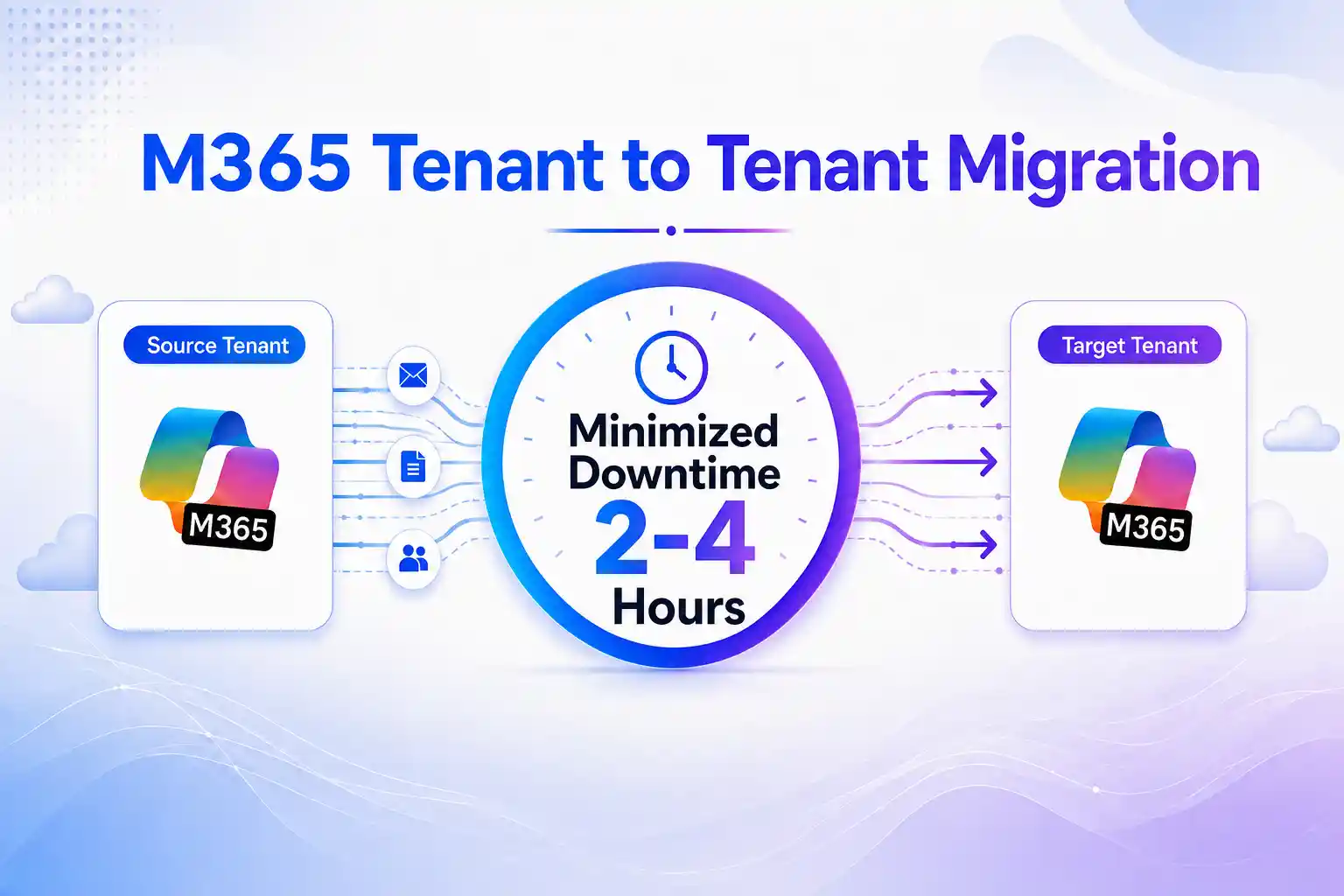
Get those right, and downtime can shrink from an unknown risk to a scheduled 2–4 hour maintenance window.
Set a Realistic Microsoft 365 Migration Downtime Window
Setting the wrong expectation with stakeholders is where most downtime complaints actually start — not the migration itself.
An Office 365 tenant-to-tenant move isn’t a file copy. At some point a domain has to stop resolving to the source tenant and start resolving to the target: DNS propagates, sign-in tokens refresh, mobile devices reconnect. None of that is instant, and no tool – including ours – makes it instant.
A realistic cross-tenant migration approach keeps the bulk of the migration running in the background for days or weeks and compresses the user-facing interruption into a short, planned window, usually overnight or during a weekend.
Set that expectation early instead of promising complete zero downtime migration.
Pre-Stage Microsoft 365 Data Before Cutover
The biggest lever you control is timing.
Move the bulk of your data while both tenants are still live and users are still working normally.
- Submit mailbox batches roughly two weeks before cutover. This allows mailbox synchronization to happen in the background before users are switched.
- Run a full SharePoint and OneDrive pass early. Move most file content first, then use delta passes to capture later changes.
- Provision identities in the target tenant first. Users, groups, and licenses should already exist before workload migration begins.
- Freeze major structural changes as cutover approaches. New sites, large permission changes, or last-minute mailbox moves create additional migration drift.
Every hour spent pre-staging reduces the work that must happen during the final Microsoft 365 tenant-to-tenant migration cutover.
Use Delta Syncs to Capture Changes Before Cutover
Mailboxes and files don’t sit still while you migrate them. New mail arrives, meetings get booked, documents get edited – which is exactly the gap delta migration is built to close.
A delta migration copies everything once, then runs repeated incremental passes that move only what changed since the last one. Here’s the sequence that works:
- Run the full initial copy well before your target cutover date.
- Schedule delta passes regularly – daily, then more frequently as cutover approaches.
- Run one final delta pass immediately before cutover. This pass is what actually sets your downtime window; everything before it is just narrowing the gap.
- Confirm that final pass completed cleanly before you touch DNS.
At scale, this isn’t something to run by hand. Apps4.Pro Migration Manager automates exactly this – parallel delta passes across Exchange, SharePoint, OneDrive, Teams and more – so your target tenant stays current continuously instead of you racing a single overnight batch job the night before cutover.
Configure Cross-Tenant Coexistence During Migration
For phased migrations, some employees remain in the source tenant while others have already moved to the destination.
Without coexistence, users can experience disruption for weeks even if the final cutover itself is short.
Typical coexistence requirements include:
- Cross-tenant mail routing so messages reach users regardless of which tenant they currently use.
- GAL synchronization so employees can continue finding colleagues across both tenants.
- Free/busy and calendar sharing so meetings can be scheduled across the two environments.
- Shared mailbox and distribution group coexistence for resources used by both populations.
A custom domain cannot normally exist in both Microsoft 365 tenants at the same time. That is why Office 365 tenant migration coexistence relies on routing, relay, and synchronization rather than simply sharing the same domain across tenants.
When this layer is planned correctly, a phased cross-tenant migration feels much more seamless to users.
Build a Step-by-Step Microsoft 365 Cutover Runbook
A smooth cutover depends on preparation. Follow a tested sequence to minimize disruption and avoid last-minute issues:
- Lower DNS TTL about a week ahead, so record changes propagate fast instead of sitting cached for hours.
- Run the final delta sync to catch last-minute changes.
- Migrate identity first – users, groups, and memberships — since everything else depends on identity already existing in the target.
- Move the domain and update DNS: MX, Autodiscover, SPF, DKIM, DMARC.
- Enable sign-in and distribute credentials only after the domain move is confirmed.
- Monitor mail flow for 48–72 hours before decommissioning anything in the source tenant.
- Validate sign-in, mailbox access, Teams membership, and SharePoint access immediately – don’t wait for complaints to tell you something’s broken.
Run this at off-peak hours and the visible downtime lands where the playbooks say it should: 2–4 hours, not days.
Define a Rollback Plan Before Cutover
Plan for the version of cutover day where the final sync doesn’t validate cleanly, or DNS propagation stalls somewhere you didn’t expect.
- Keep the source tenant’s mail routing and licensing live until the target is fully validated – don’t decommission early out of momentum.
- Set a rollback trigger before cutover starts: “if mail flow isn’t confirmed within 4 hours, we revert DNS.” Decide this on a calm Tuesday, not mid-incident on a Saturday night.
- Brief the helpdesk on that trigger in advance, so nobody’s improvising a decision under pressure.
You’re not planning for failure. You’re removing the temptation to force a bad cutover through just because reversing felt harder than continuing.
How Apps4.Pro Helps Minimize Migration Downtime
Minimizing downtime is not one special trick.
It comes from four disciplines working together:
- Pre-stage data early
- Run continuous delta syncs
- Maintain coexistence
- Execute cutover through a controlled runbook
The challenge is doing all four consistently across hundreds or thousands of users and workloads.
Apps4.Pro Migration Manager helps automate scheduling, parallel migration, and incremental synchronization across Exchange, SharePoint, OneDrive, Teams, and other supported Microsoft 365 workloads.
For migrations tied to mergers, acquisitions, or divestitures, where the cutover deadline may be fixed, the same approach can support the Apps4.Pro M&A migration strategy.
A successful Office 365 tenant migration is not one where users hear that the project was technically successful.
It is one where they barely notice the move happened at all.

















 Migrate
 Manage
 Migrate Microsoft 365








