


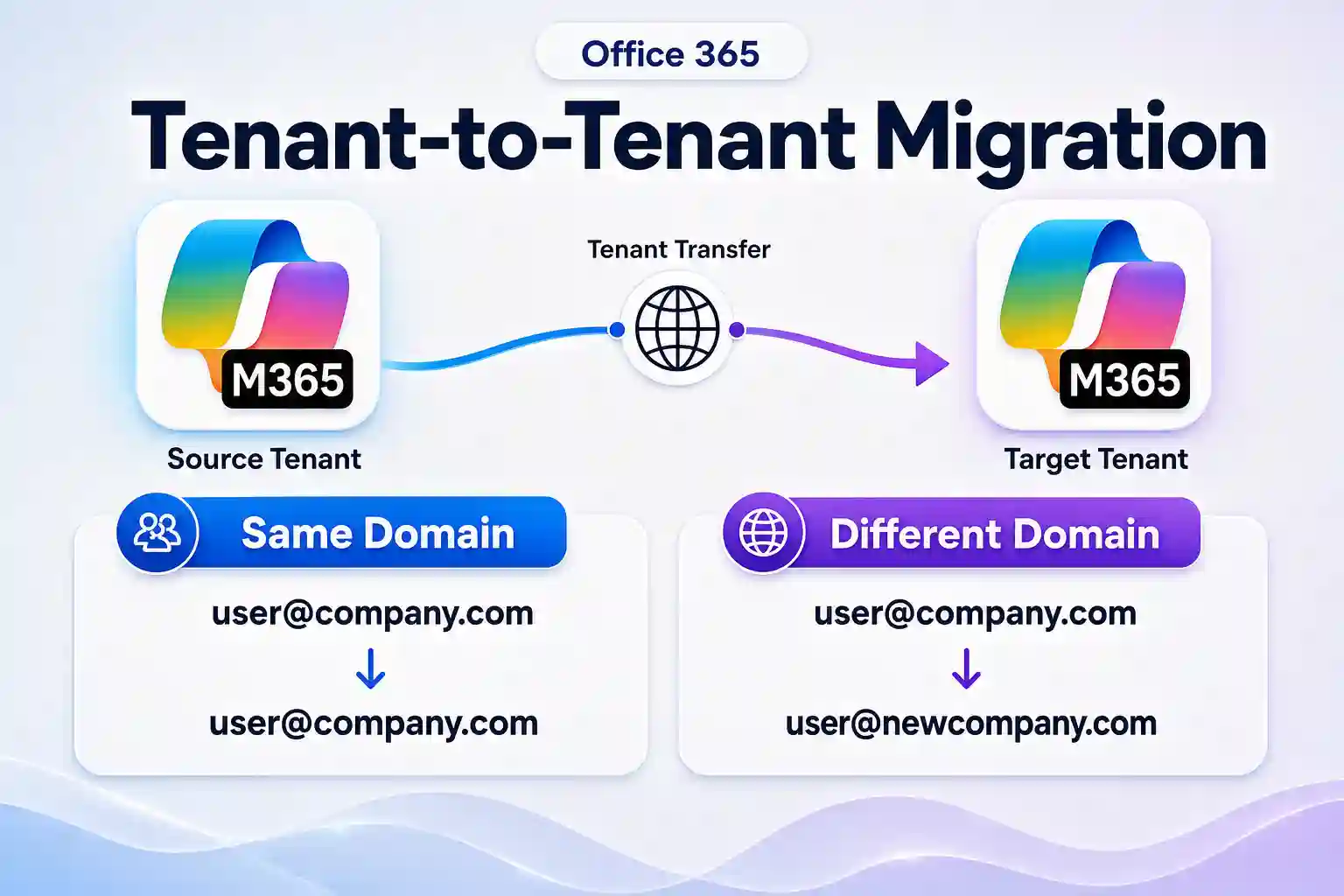
Office 365 tenant-to-tenant migration is not only about moving mailbox data from one Microsoft 365 environment to another. The future of the email domain plays a major role in how smooth the transition will be for users and the business.
A well-planned migration helps protect email continuity, user access, Outlook connectivity, and brand identity. Choosing between a same domain migration and a different domain migration early can prevent avoidable last-minute cutover issues.
This article explains the differences between office 365 tenant to tenant migration same domain and office 365 tenant to tenant migration different domain scenarios. It also outlines the practical impact on email addresses, DNS records, MX routing, Autodiscover, and user experience.
- Same Domain vs Different Domain at a Glance
- What Is a Same Domain Migration?
- What Is a Different Domain Migration?
- Domain, MX, and Autodiscover Cutover Explained
- Hidden Risks That Affect User Experience
- How Apps4.Pro Helps Simplify Tenant Migration Planning
- Choose the Right Microsoft 365 Tenant Migration Path
Same Domain vs Different Domain at a Glance
Migration factor | Same domain migration | Different domain migration |
|---|---|---|
Final email address | Users retain their existing domain, such as user@company.com | Users receive a new primary domain, such as user@newcompany.com |
Domain transfer required | Yes. The custom domain must move from source to target tenant | Usually no. The target domain is already available in the target tenant |
Cutover sensitivity | Higher, because domain removal, DNS, and mail routing must be coordinated | Lower, because the new domain can be prepared before user cutover |
Temporary addresses | Usually required, using tenantname.onmicrosoft.com addresses during preparation | Often used for coexistence and routing, but the new custom domain can be assigned earlier |
Main risk | Mail disruption if domain dependencies or DNS changes are missed | User adoption challenges and external contacts continuing to use old addresses |
Best fit | Mergers, acquisitions, or tenant consolidation where branding stays the same | Rebranding, divestitures, or organizations moving users to the acquiring company’s domain |
A Microsoft 365 custom domain can be associated with only one tenant at a time. This is why a same-domain migration needs a carefully controlled domain transfer process.
Different domain migrations offer more flexibility because the target domain can be configured before the users are moved. However, they still require clear communication, identity planning, and mail-flow preparation.
🧭 Migration Planning Insight
The future email identity should be finalized before migration execution begins. Keeping the existing domain and moving users to a new domain involve different cutover, DNS, and user-adoption requirements.
- Confirm whether users will retain their current primary email address.
- Identify whether the custom domain must move to the target tenant.
- Define temporary addresses and sign-in identities for the migration period.
- Document the final domain, UPN, and primary SMTP address for every user.
What Is a Same Domain Migration?
A same domain migration takes place when users need to retain their current email address after moving to a new Microsoft 365 tenant. For example, alex@contoso.com remains alex@contoso.com after the mailbox and user identity are moved.
This migration model is common during tenant consolidation, mergers, acquisitions, or business restructuring where the organization intends to keep its existing brand identity and customer-facing email domain.
The key challenge is that the same custom domain cannot remain configured in both tenants at the same time. It must first be removed from the source tenant before it can be verified and added to the target tenant.
Why Same Domain Projects Need More Planning
Before the domain can be removed from the source tenant, every related dependency must be identified and updated. A missed alias, group, shared mailbox, or user identity can delay the domain transfer during the most sensitive phase of the migration.
The source domain may be attached to more Microsoft 365 objects than expected. A detailed pre-migration assessment helps identify and resolve these dependencies before the cutover window begins.
Common domain dependencies include:
- User principal names, or UPNs
- Primary SMTP addresses
- Proxy and alias email addresses
- Shared mailboxes
- Distribution lists and mail-enabled security groups
- Room and resource mailboxes
- Legacy Skype for Business or SIP addresses
- Applications, connectors, and identity integrations
Target users are usually created first with temporary onmicrosoft.com addresses. This allows migration preparation and data pre-staging to continue while the custom domain remains active in the source tenant.
⚠️ Cutover Readiness Check
A same-domain migration depends on removing every source-tenant dependency before the domain can be transferred. One missed alias or group can delay the entire cutover.
- Review user UPNs and primary SMTP addresses.
- Check aliases, shared mailboxes, groups, rooms, and resources.
- Review Teams, SIP, application, and connector dependencies.
- Confirm the custom domain can be removed from the source tenant before the cutover window.
Same Domain Migration Workflow
A structured office 365 tenant to tenant migration same domain project typically follows this sequence:
✅ Assess mailboxes, groups, shared mailboxes, aliases, licenses, applications, DNS records, and domain dependencies.
✅ Create users in the target tenant using temporary onmicrosoft.com identities.
✅ Assign the required Microsoft 365 and Exchange Online licenses in the target tenant.
✅ Pre-stage mailbox data and other Microsoft 365 workloads before the final cutover.
✅ Reduce DNS record TTL values before the migration window.
✅ Remove the custom-domain references from source tenant users, groups, shared mailboxes, and other objects.
✅ Remove the custom domain from the source tenant.
✅ Verify and add the domain in the target tenant.
✅ Assign the custom domain to target users, groups, and mail-enabled objects.
✅ Update MX, Autodiscover, SPF, DKIM, and other required DNS records.
✅ Complete the migration batches and validate user access, mail flow, and Outlook connectivity.
This process requires a clear migration runbook with ownership for every task. It also benefits from a defined rollback plan for DNS, mail routing, and user support.
What Is a Different Domain Migration?
A different domain migration occurs when users move from one email domain to another after joining the target tenant. For example, alex@fabrikam.com becomes alex@contoso.com.
This approach is often used when an acquired organization adopts the parent company’s domain, when a business is rebranding, or when multiple domains are being consolidated under one corporate identity.
Unlike a same domain migration, the target custom domain can be added, verified, and configured in advance. This provides more time to prepare the target environment and plan the user transition.
Why Different Domain Migration Can Be Simpler
A different domain migration usually reduces pressure during the final cutover because the target email domain is already available in the target tenant. Users can be created with their final email address before the actual mailbox move.
This approach allows IT teams to test email routing, user sign-in, Outlook configuration, and application access earlier in the migration project.
Important planning considerations include:
- Decide whether the old source domain will remain active after migration.
- Configure mail routing or forwarding for messages sent to old email addresses.
- Communicate the new email address to customers, vendors, and partners.
- Update email signatures, websites, forms, CRM platforms, and automated notifications.
- Review sign-in names, MFA registration, conditional access, and mobile-device access.
- Validate third-party applications that use the previous email address as an identifier.
📣 Change Management Opportunity
A different-domain migration creates an opportunity to standardize the organization’s identity, email communication, and customer-facing brand assets.
- Enable Updating employee email signatures and contact directories.
- Notify customers, partners, vendors, and key stakeholders.
- Update CRM records, websites, forms, and automated notifications.
- Define mail-routing or forwarding requirements for the previous domain.
Domain, MX, and Autodiscover Cutover Explained
Domain, MX, and Autodiscover changes directly affect email delivery and Outlook connectivity. These records must be planned as part of the migration, not treated as a task to complete after the mailbox move.
In a same-domain migration, the custom domain must be moved from the source tenant to the target tenant before users can use their familiar email addresses in the new environment. During this period, DNS records need to be updated in the right sequence.
Lowering DNS TTL values in advance helps changes propagate more quickly during the cutover. This can reduce the time users and external senders continue to reach the old configuration.
DNS Records to Review Before Cutover
DNS records should be reviewed in both same-domain and different-domain tenant-to-tenant migrations. However, same-domain migrations require a more time-sensitive DNS cutover because the existing email domain must move from the source tenant to the target tenant. In a different-domain migration, the target domain can usually be configured and tested before the final mailbox move.
Review the following DNS records at the domain registrar or DNS hosting provider:
- MX record: Routes inbound email to the correct Microsoft 365 tenant.
- Autodiscover CNAME: Helps Outlook locate the correct mailbox configuration.
- SPF TXT record: Defines the approved email-sending services for the domain.
- DKIM CNAME records: Supports email signing and helps reduce spoofing risk.
- DMARC TXT record: Defines how unauthenticated messages are handled.
- Teams and device-management records: Review additional CNAME and SRV records where applicable.
Creating target users and mailboxes before changing MX routing helps ensure that the target tenant is ready to receive inbound email when the DNS change takes effect.
Cutover Checklist for Same Domain Moves
- Confirm adequate Microsoft 365 and Exchange Online licenses in the target tenant.
- Export a complete inventory of source tenant objects using the custom domain.
- Create target users with temporary identities before domain transfer.
- Pre-stage mailbox and collaboration data wherever supported.
- Lower DNS TTL values before the planned migration window.
- Remove primary addresses, aliases, and UPNs using the custom domain from source objects.
- Remove the custom domain from the source tenant only after all dependencies are cleared.
- Verify and add the domain in the target tenant.
- Update MX, Autodiscover, SPF, DKIM, and DMARC records.
- Test internal and external email delivery.
- Validate Outlook, Outlook on the web, Outlook mobile, and Microsoft Teams access.
- Confirm shared mailbox access, delegated permissions, mail flow rules, and connectors.
🛡️ Risk Reduction Tip
Email continuity depends on more than moving mailbox data. A documented validation plan helps identify DNS, mail-flow, and access issues before they affect users.
- Test internal and external email delivery.
- Validate MX, Autodiscover, SPF, DKIM, and DMARC records.
- Confirm access to shared mailboxes and delegated calendars.
- Test Outlook desktop, Outlook mobile, Teams, and Microsoft 365 portal access.
✅ Plan a Controlled Exchange Mailbox Cutover
Domain transfer, MX updates, Autodiscover configuration, and mailbox readiness must work together during a same-domain tenant migration.
Apps4.Pro’s structured Exchange mailbox migration approach helps reduce mail-flow risks and supports a smoother mailbox transition.
Hidden Risks That Affect User Experience
A tenant-to-tenant migration affects more than mailbox data. Users depend on their identity, email address, Outlook profile, mobile access, Teams access, delegated permissions, and shared resources throughout the workday.
A technically successful data migration can still result in a poor user experience if post-migration access, authentication, and application dependencies are not addressed.
Outlook and Sign-In Changes
After a mailbox moves to a new tenant, users may need to sign in with a new UPN or create a new Outlook profile. This is especially important when the target tenant uses a temporary onmicrosoft.com address during the transition.
Outlook profiles may not automatically find the moved mailbox until the correct domain and user identity are fully configured in the target tenant. Clear end-user instructions help reduce support tickets during the first working day after cutover.
Prepare user guidance for:
- New username and password details, where applicable
- MFA registration and Microsoft Authenticator prompts
- Outlook desktop profile recreation
- Outlook mobile account removal and re-addition
- Microsoft Teams sign-out and sign-in
- OneDrive sync-client reconfiguration
- Browser session refresh and Microsoft 365 portal access
Permissions and Collaboration
Mailbox data does not automatically guarantee that every permission, relationship, or collaborative experience is recreated in the target tenant. Shared mailbox access, calendar delegation, Send As permissions, Send on Behalf permissions, group membership, and application permissions need validation.
Teams, OneDrive, SharePoint, Planner, and other Microsoft 365 workloads may also require separate migration planning. A tenant-to-tenant project should include workload-specific discovery, migration, and validation steps.
👤 User Experience Focus
Clear Day 1 instructions reduce user confusion and minimize service-desk tickets after the migration cutover.
- Provide updated sign-in and password instructions.
- Share MFA and Microsoft Authenticator setup steps.
- Explain Outlook profile and mobile-app reconfiguration.
- Include Teams and OneDrive sign-in guidance.
- Provide a support contact and escalation path for migration issues.
How Apps4.Pro Helps Simplify Tenant Migration Planning
A successful Office 365 tenant-to-tenant migration requires a structured approach to discovery, identity mapping, data movement, domain planning, and post-migration validation.
Apps4.Pro can support a well-planned Microsoft 365 migration strategy by helping IT teams organize migration activities across Exchange Online and other Microsoft 365 workloads.
A strong migration plan should include:
- Source-to-target user and mailbox mapping
- Pre-migration assessment of domain and workload dependencies
- Data pre-staging before the final cutover
- Migration batches based on business unit, location, or user priority
- DNS and domain cutover runbooks
- Shared mailbox, group, and permission validation
- End-user communication and support materials
- Post-migration reporting and exception management
🚀 Simplify Your Microsoft 365 Tenant Migration with Apps4.Pro
Tenant migration involves identities, mailboxes, OneDrive, SharePoint, Teams, Planner, permissions, and business-critical data.
Apps4.Pro Migration Manager helps IT teams manage cross-workload Microsoft 365 migrations with better visibility and control.
- Map users, groups, and permissions.
- Migrate supported Microsoft 365 workloads.
- Track progress, resolve exceptions, and validate data.
- Support users during cutover and hypercare.
Use our purpose-built tenant-to-tenant migration tool for a more controlled transition.
Choose the Right Microsoft 365 Tenant Migration Path
A same-domain migration is the right choice when users must retain their existing email address and business identity. It requires careful domain transfer, DNS updates, source-tenant cleanup, and a well-coordinated cutover plan.
A different-domain migration is suitable when users will adopt a new corporate email identity. It provides more flexibility to prepare the target domain, but requires effective communication, mail-routing planning, and user adoption support.
The right approach depends on the organization’s future domain strategy. Confirm the final user identity, email domain, workload scope, and business continuity requirements before planning the migration cutover.
Learn More From Microsoft
Explore these Microsoft resources to understand tenant migration planning, cross-tenant mailbox moves, custom domain setup, and DNS record configuration in more detail.
















