


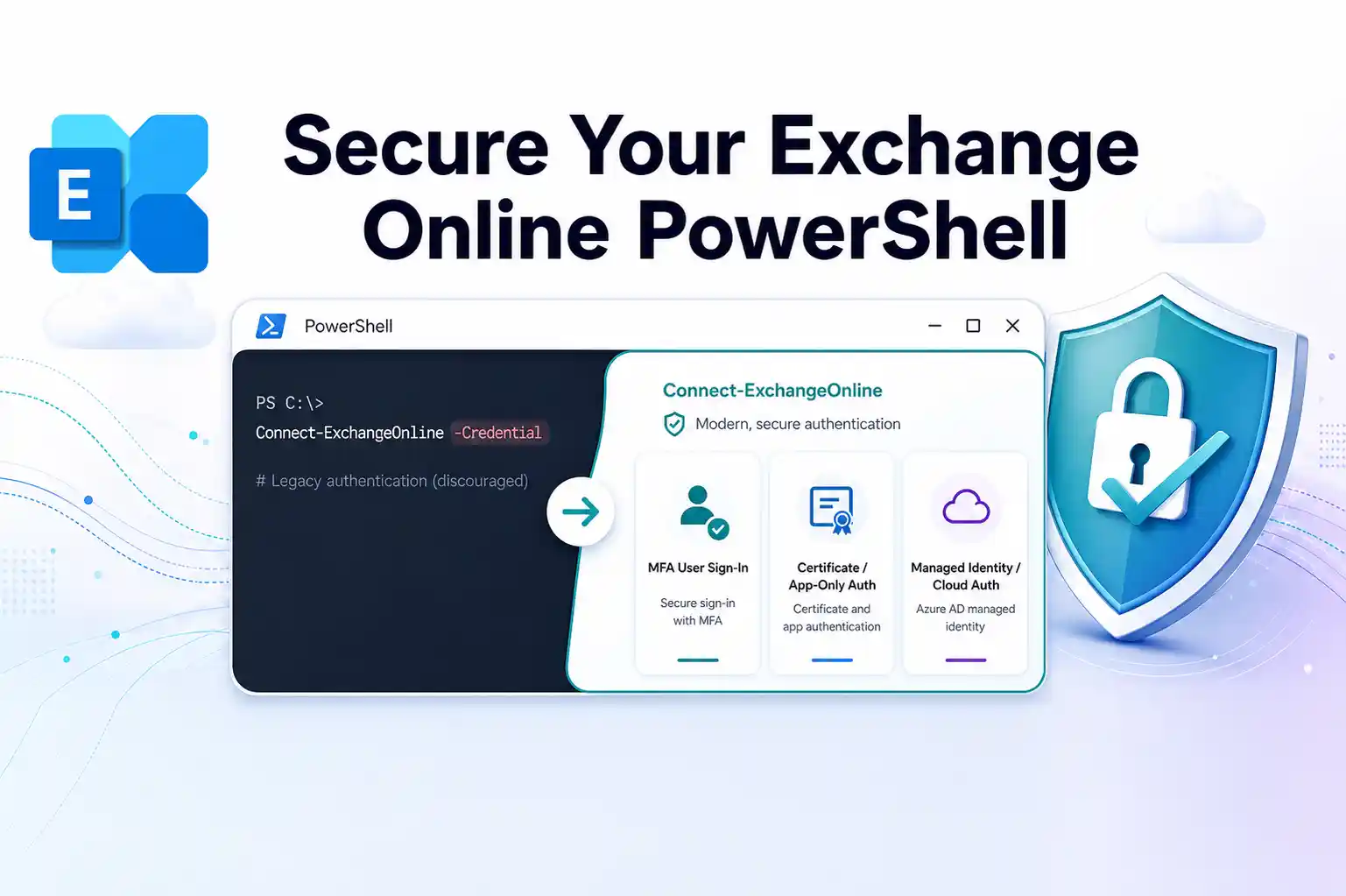
Legacy authentication in Microsoft 365 is steadily being phased out, and Exchange Online PowerShell is a core part of that journey.
Microsoft is deprecating the -Credential parameter so that your admin connections and automation scripts rely on modern authentication, Conditional Access, and multifactor authentication. If your tenant still depends on -Credential in scripts or day-to-day admin work, this is the right moment to refactor before it turns into a blocker for operations and compliance.
Why Microsoft Is Retiring -Credential
The -Credential parameter in Exchange Online PowerShell relies on older authentication flows that do not fully support modern security controls such as MFA and strong Conditional Access enforcement.
By retiring this parameter, Microsoft is helping you:
- Reduce exposure to password-based logons and legacy protocols
- Enforce MFA and Conditional Access consistently for admin tools
- Align Exchange Online PowerShell with the broader Microsoft 365 security and compliance baseline
📌 You can find more detail in the documentation for Connect-ExchangeOnline and Connect-IppsSession.
Who Is Impacted By This Change
This update primarily affects organizations that use Exchange Online PowerShell or Security and Compliance PowerShell in daily administration or automation.
You are impacted if you:
- Connect as a tenant admin using Connect-ExchangeOnline for management tasks
- Run unattended automation that uses -Credential in scheduled PowerShell scripts
- Maintain multi-tenant scripts that pass credentials programmatically
If you already avoid -Credential and rely on modern authentication, you are aligned with Microsoft’s direction and should see minimal disruption from this change.
📌 For Microsoft Official guidance: Connect to Exchange Online PowerShell
💡 Script Break Risk Audit
To understand your risk, you can run a simple “Script Break Risk Audit”:
- Export or list all scripts using Connect-ExchangeOnline or Connect-IppsSession
- Tag each script as “uses -Credential” or “does not use -Credential”
- Mark critical scripts that you cannot afford to fail
This quick audit helps you prioritize which scripts to migrate first and where to invest testing effort.
What Happens To Existing Scripts
Any script or tool that relies on -Credential with Connect-ExchangeOnline or Connect-IppsSession will eventually fail when you move to Exchange PowerShell module versions where the parameter is removed.
Typical impact areas include:
- Scheduled jobs that run unattended PowerShell scripts for Exchange Online
- Custom admin consoles or GUIs that wrap Exchange Online cmdlets
- Multi-tenant scripts used by MSP teams that still rely on credential passing
You should plan for the following behaviours:
- Scripts that keep using older Exchange Online PowerShell modules continue to run for now
- When you adopt newer module versions, -Credential will no longer be available to your scripts
- A future server-side retirement of the underlying authentication flow will eventually break -Credential even if you try to stay on older modules
Microsoft discusses the deprecation and its impact in more detail in the Exchange team blog and related documentation.
💡 Script Discovery and Cleanup Exercise
You can turn preparation into a practical exercise:
- Gather all scheduled tasks and automation jobs that touch Exchange Online
- Identify where connections are made and how credentials are handled
- Replace any direct use of -Credential with approved modern authentication patterns
Sharing the before and after view with stakeholders clearly shows the security improvement and the reduced operational risk.
Modern Authentication Options You Should Use Instead
Microsoft is directing you to three modern authentication patterns that cover interactive admin access and different automation scenarios. Choosing the right pattern for each use case keeps your environment secure and your scripts reliable.
1. Interactive Admin Access With MFA
When you connect directly as an administrator, you should use interactive sign in with MFA instead of passing credentials in scripts.
For interactive admin access:
- Use modern authentication-based sign in rather than -Credential
- Ensure Conditional Access policies apply to PowerShell clients used by admins
- Avoid storing admin passwords inside scripts, task schedulers, or configuration files
📌 How to: Connect to Exchange Online PowerShell using modern auth
2. App-only Authentication For Unattended Scripts
If you run unattended automation outside Azure, such as on-premises servers or management virtual machines, app-only authentication is the preferred model.
For unattended automation outside Azure:
- Register an Azure AD app for Exchange Online automation
- Configure certificate-based authentication for that app
- Grant appropriate application permissions for Exchange Online and Security and Compliance
- Use app-only authentication in scripts that need to run without user interaction
📌 Step by step: App-only authentication for unattended scripts in Exchange Online PowerShell and Security & Compliance PowerShell
3. Managed Identity For Automation Inside Azure
For automation hosted inside Azure, managed identities provide a secure, open way to authenticate.
For Azure native workloads such as Automation, Functions, or Logic Apps:
- Assign a system managed or user assigned managed identity to your resource
- Grant Exchange Online permissions to the managed identity
- Connect to Exchange Online PowerShell without handling secrets or certificates in code
📌 Implementation guide: Use Azure managed identities to connect to Exchange Online PowerShell
🧩 Choose Your Auth Path Mini Guide
To make decisions easier, you can visualize your options in a simple decision guide:
- Interactive admin tasks → Modern auth with MFA
- On premises or non-Azure automation → App only authentication with certificates
- Azure based automation → Managed identity-based access
A comparison chart or visual can help stakeholders quickly see which approach fits each scenario in your environment.
Compliance And Conditional Access Benefits
From a compliance and Zero Trust perspective, retiring -Credential is an important opportunity to close long standing gaps in administrative access.
You gain several key benefits:
- Conditional Access policies can apply consistently to Exchange Online PowerShell connections
- MFA becomes a standard and enforced requirement for interactive admin logons
- Legacy flows such as ROPC(Resource Owner Password Credentials-lets apps collect user credentials directly to request OAuth tokens) are removed from day-to-day administration and automation
Practical Preparation Steps For Admins And MSPs
To avoid disruption and keep control over your own timelines, it helps to treat this change as a small migration project rather than a one-time tweak.
You can follow these practical steps:
- Inventory all scripts that use Connect-ExchangeOnline and Connect-IppsSession
- Search for any usage of the -Credential parameter in your script library
- Decide which modern authentication pattern fits each script or automation scenario
- Update internal documentation and standard operating procedures to reflect the new model
- Train admins, operators, and MSP teams on how to use modern authentication and how to troubleshoot connections
If you manage multiple tenants, standardizing your approach makes ongoing maintenance easier:
- Adopt a common modern auth pattern across all tenant management scripts
- Remove hard dependency on manually handled credentials in multi-tenant workflows
- Align customer onboarding guides and documentation with these updated best practices
📌 Design guidance: Exchange Online PowerShell module overview
🚀 Modern Auth Migration Sprint
You can structure your rollout as a short “Modern Auth Migration Sprint” to keep it focused and measurable:
- Days 1 to 2: Discover scripts and map authentication methods
- Days 3 to 7: Migrate critical scripts to modern authentication
- Days 8 to 10: Update documentation, runbooks, and admin training materials
- Days 11 to 14: Validate behavior, monitor for issues, and refine policies
Framing the work as a sprint helps you communicate progress clearly and gives stakeholders a transparent view of where you are in the journey.
















