


Microsoft Teams users, here is an important update you should not miss.
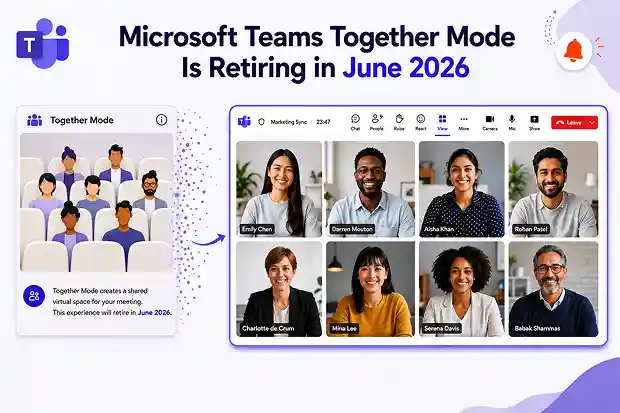
Microsoft has announced that Together mode in Teams meetings will be retired starting in early June 2026, with the rollout expected to complete by late June 2026. This means one of the familiar meeting views in Teams will soon disappear.
Together mode helped meeting participants feel like they were sitting in the same virtual room. It was especially useful for team meetings, training sessions, classrooms, and informal collaboration. But Microsoft is now simplifying Teams meeting layouts and shifting focus toward the standard Gallery view.
What Is Changing?

Once this retirement is completed, the Together mode option will no longer appear in the View menu during Microsoft Teams meetings.

Microsoft is also retiring:
- Custom Together mode scenes
- Seat assignment functionality
- The ability to use Together mode as a meeting layout
The Gallery view will become the main multi-participant layout for Teams meetings.
The good news is that this change will not affect meeting creation, meeting joining, chat, audio, video, screen sharing, or other core meeting features.
Why Should Organizations Pay Attention?
This may sound like a small interface change, but it can affect users who rely on Together mode for a better visual meeting experience.
For example, some teams may use Together mode for:
- Virtual classrooms
- Employee engagement sessions
- Large team meetings
- Training programs
- Branded meeting experiences
- Fun internal events
Organizations using custom Together mode scenes should especially prepare, because those scenes will also be removed.
There is also an important limitation: there will be no admin policy or setting to keep or re-enable Together mode after Microsoft retires it.
What Should You Use Instead?
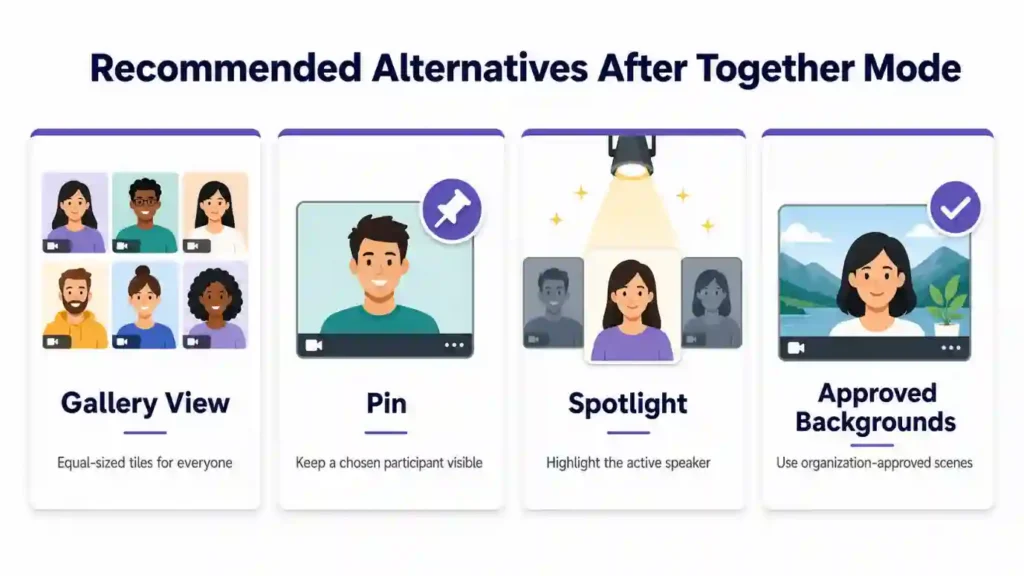
Microsoft recommends using other Teams meeting layout options such as:
- Gallery view for regular multi-participant meetings
- Pin to keep a specific participant visible
- Spotlight to highlight a speaker or presenter
- Organization-approved backgrounds for branded meeting visuals
If your organization previously used custom Together mode scenes for branding, you can consider deploying approved background images through the Teams admin center.
What IT Admins Should Do Now
No admin action is required from a technical configuration perspective. However, preparation is still important.
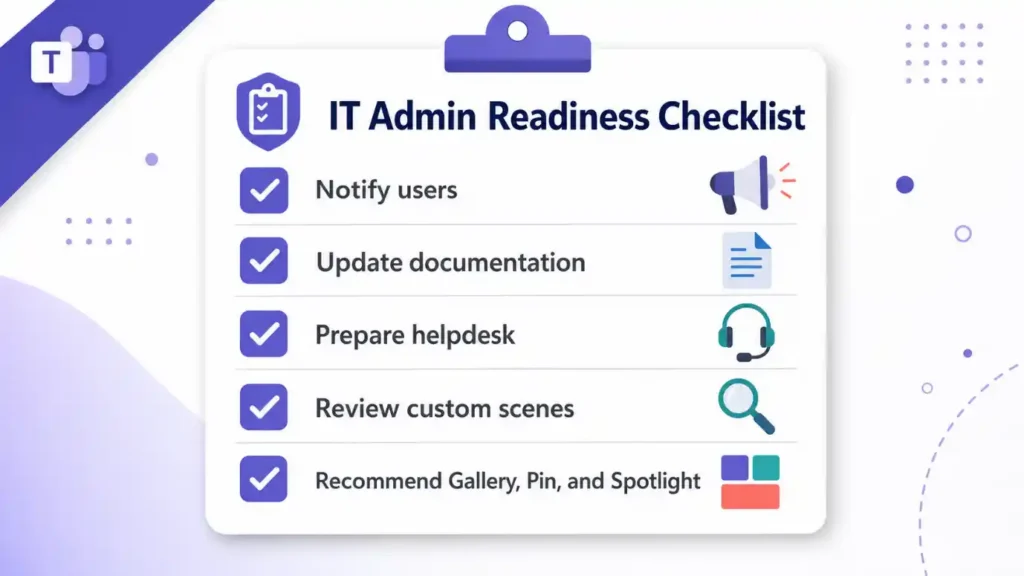
Before June 2026, organizations should:
- Inform users and meeting organizers about the upcoming retirement.
- Update training guides, internal documentation, and support articles that mention Together mode.
- Prepare helpdesk teams for questions from users.
- Review any custom Together mode scenes currently in use.
- Recommend Gallery, Pin, Spotlight, or branded backgrounds as alternatives.
Taking these steps early will help avoid confusion when users no longer see Together mode in their Teams meetings.
Final Thoughts
Microsoft Teams is evolving, and this retirement is part of Microsoft’s effort to simplify meeting layouts and focus development on the Gallery experience.
While Together mode may be missed by users who enjoyed its shared-room feeling, organizations still have practical alternatives to support collaboration, engagement, and branding in Teams meetings.
If your organization uses Together mode today, now is the right time to prepare your users, update your documentation, and move to alternative Teams meeting layouts before June 2026.
















