


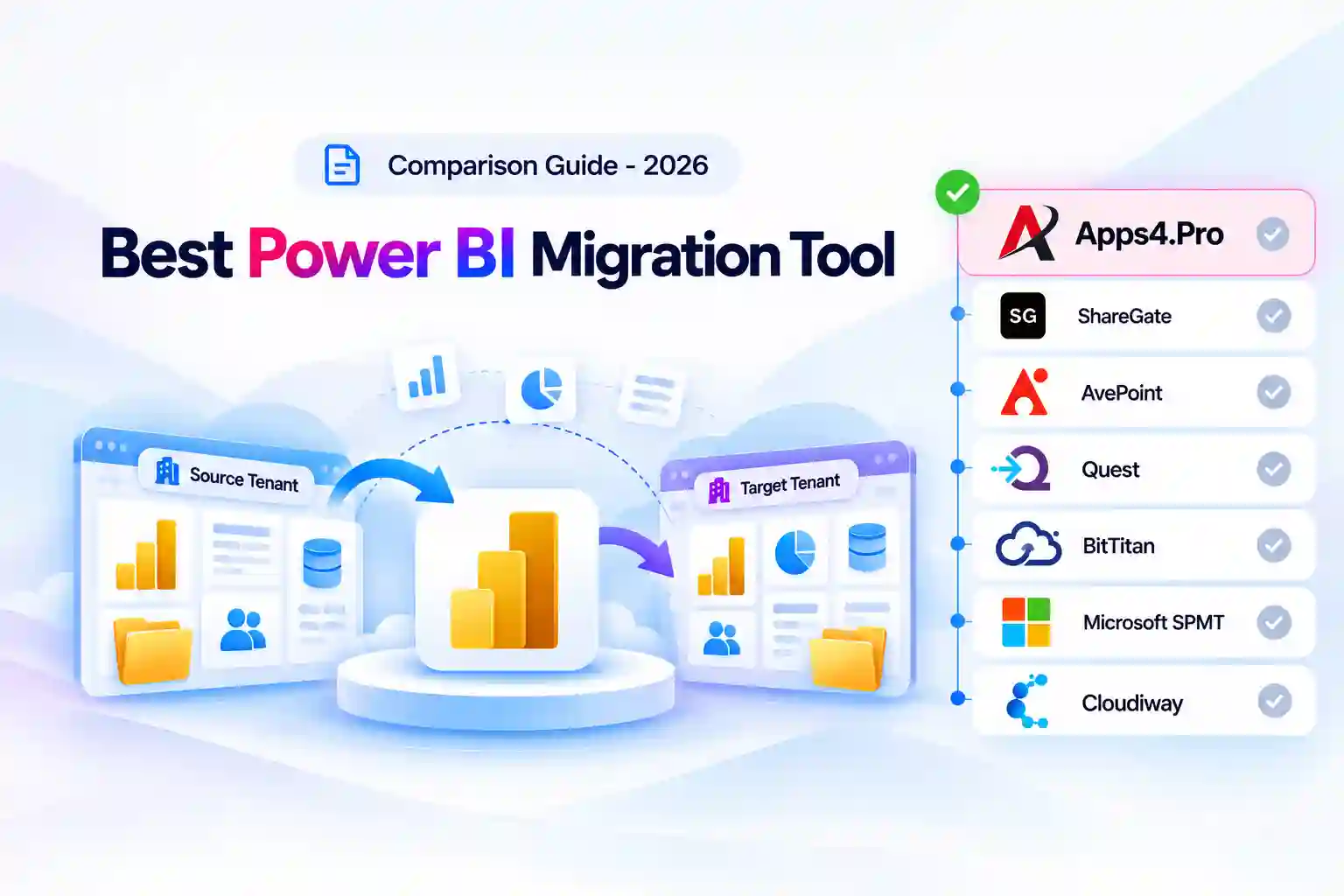
- Quick Answer
- Key Takeaways
- What a Power BI Migration Has to Handle
- How We Compared These Tools
- Power BI Migration Options at a Glance
- Power BI Migration Feature Comparison Matrix
- Which Power BI Migration Option Fits Your Scenario?
- Apps4.Pro Migration Manager: Best Overall for Broad Power BI Tenant-to-Tenant Coverage
- Quest On Demand Migration for Power BI: Best for Shared Workspaces Inside a Quest ODM Program
- Microsoft Manual and Scripted Methods: No Native Power BI Migration Tool
- Power BI Migration Support Is Not Documented for These Tools
- Unique Insight: What Has No Migration Path, and Who Fills the Gap
- Unique Insight: Data Source Coverage Decides Fit
- Pricing Compared
- How to Choose a Power BI Migration Tool: A 6-Step Checklist
- Frequently Asked Questions
Quick Answer
Very few migration tools move Power BI between Microsoft tenants. Of the vendors we reviewed, only two document Power BI tenant-to-tenant migration, and Microsoft offers documented manual and scripted methods rather than a tool:
- Apps4.Pro Migration Manager documents the broadest scope: shared and personal workspaces, reports, linked and unlinked datasets (semantic models), dashboards with tiles, data source credentials, scheduled refresh settings, direct permissions, and incremental runs. Dataflows, apps, and paginated reports are not migrated, and gateways must be configured manually.
- Quest On Demand Migration for Power BI migrates shared workspaces with their reports and semantic models, rebinds them to migrated connections, sets workspace permissions, and maps gateways you create in advance. It supports reports based on imported Excel, SQL Server (on-premises), and Azure SQL, and excludes personal workspaces, apps, and pipelines.
- Microsoft has no native Power BI tenant migration tool. Its guidance relies on downloading .pbix files, exporting definitions through the Admin API, Git integration for Fabric items, and manually recreating dashboards, apps, workspaces, and gateways.
Key Takeaways
- Microsoft states that it “doesn’t provide direct support for migrating content between tenants,” and documents no migration path for dashboards, Power BI apps, workspaces, or gateways, which must be recreated or reconfigured (Microsoft Learn).
- Exported semantic model definitions do not include data, so every imported semantic model needs at least one refresh in the target tenant (Microsoft Learn).
- Apps4.Pro migrates dashboards and tiles with tile positions, data source credentials, and refresh schedules, but lists dataflows, apps, paginated reports, scorecards, and streaming datasets as not migrated (Apps4.Pro Power BI guide).
- Quest ODM for Power BI covers shared workspaces only, for reports based on imported Excel, SQL Server (on-premises), and Azure SQL, and excludes personal workspaces, applications, and pipelines (Quest ODM for Power BI).
- No tool migrates gateways themselves. Apps4.Pro migrates gateway-linked reports but requires manual gateway configuration, and Quest maps source gateways to gateways created in the target beforehand.
- Other common migration tools do not document Power BI. AvePoint Fly for Power Platform documents Power Apps and Power Automate migration, not Power BI (AvePoint).
What a Power BI Migration Has to Handle
Power BI content is a chain of dependencies. A report is only useful in the target tenant if its semantic model, connections, gateway, credentials, permissions, and refresh schedule all arrive and line up.
1. Order matters. Microsoft’s documented order is gateways, workspaces, Fabric items, dataflows, semantic models, reports, dashboards, apps, and paginated reports. Moving reports before their models and connections exist leads to broken visuals.
2. Connections and gateways. On-premises sources need gateways rebuilt in the target, and cloud sources need credentials re-entered or migrated so scheduled refresh works.
3. Data, not just definitions. Exported definitions carry no data. Every imported model must refresh in the target before reports show numbers.
4. Identities, licenses, and security. Users have new object IDs in the target, Power BI licenses must be reassigned, and workspace roles and row-level security memberships must be remapped.
5. Items with no migration path. Dashboards and apps have no Microsoft migration path, and most Fabric items must be recreated, so the tool’s coverage of these items decides how much manual rebuild remains.
How We Compared These Tools
Which tools are included: only tools whose vendors document Power BI tenant-to-tenant migration, plus Microsoft’s documented manual and scripted approach as the baseline. General Microsoft 365 migration tools that do not mention Power BI are listed at the end.
We compared each option against the same eight criteria:
- Workspace coverage (shared and personal)
- Reports and semantic models, including rebinding
- Dashboards, dataflows, paginated reports, and apps
- Connections, data source credentials, and gateways
- Scheduled refresh settings
- Workspace permissions and security
- Supported data sources, incremental runs, and documented limitations
- Deployment model and pricing
What this review is: a comparison built from documentation. Sources, in priority order, were vendor documentation and help centers, vendor pricing pages, Microsoft Learn, and published migration articles. We report limitations only when they are documented.
What this review is not: a lab benchmark. We did not run migrations and report no speed numbers of our own.
All prices and capabilities were checked in October 2026 and should be confirmed with the vendor before purchase.
Power BI Migration Options at a Glance
|
Option
|
Workspaces
|
Reports and semantic models
|
Dashboards
|
Dataflows, paginated, apps
|
Gateways
|
Deployment
|
Pricing
|
|---|---|---|---|---|---|---|---|
|
Apps4.Pro Migration Manager
|
Workspaces
Shared and personal
|
Reports and semantic models
Yes; linked and unlinked datasets
|
Dashboards
Yes, with tiles
|
Dataflows, paginated, apps
Not migrated
|
Gateways
Linked reports migrate; gateway configured manually
|
Deployment
SaaS
|
Pricing
$5,995 per installation (all workloads) |
|
Quest On Demand Migration
|
Workspaces
Shared only
|
Reports and semantic models
Yes; rebound to migrated connections
|
Dashboards
Not supported (per 2025 article)
|
Dataflows, paginated, apps
Not supported (per 2025 article)
|
Gateways
Mapped to target gateways created first
|
Deployment
SaaS
|
Pricing
Quote
|
|
Microsoft manual / scripted
|
Workspaces
Recreate (bulk via Admin API)
|
Reports and semantic models
.pbix download or definition export
|
Dashboards
Manual rebuild
|
Dataflows, paginated, apps
Dataflow JSON and RDL export; apps rebuilt
|
Gateways
Reconfigured by admin
|
Deployment
Admin API, Git, manual
|
Pricing
No tool cost; labor
|
Power BI Migration Feature Comparison Matrix
“Not stated” means the vendor’s public documentation does not say either way, so confirm it in a proof of concept.
|
Capability
|
Apps4.Pro
|
Quest ODM
|
Microsoft manual / scripted
|
|---|---|---|---|
|
Shared workspaces
|
Apps4.Pro
Yes
|
Quest ODM
Yes
|
Microsoft manual / scripted
Recreate; bulk creation via Admin API
|
|
Personal workspaces
|
Apps4.Pro
Yes
|
Quest ODM
Not included
|
Microsoft manual / scripted
Manual
|
|
Reports
|
Apps4.Pro
Yes, with settings and filters
|
Quest ODM
Yes
|
Microsoft manual / scripted
Download .pbix and republish, or export definition
|
|
Semantic models (datasets)
|
Apps4.Pro
Linked and unlinked; not shared datasets created on the web
|
Quest ODM
Yes, rebound to migrated connections
|
Microsoft manual / scripted
Backup and restore via ADLS Gen2, or definition export; refresh needed
|
|
Dashboards and tiles
|
Apps4.Pro
Yes, tile positions kept
|
Quest ODM
Not supported (per 2025 article)
|
Microsoft manual / scripted
No path; manual rebuild
|
|
Dataflows
|
Apps4.Pro
Not migrated
|
Quest ODM
Not stated
|
Microsoft manual / scripted
Export JSON definition and reimport
|
|
Paginated reports
|
Apps4.Pro
Not migrated
|
Quest ODM
Not stated
|
Microsoft manual / scripted
Download RDL and publish
|
|
Power BI apps
|
Apps4.Pro
Not migrated
|
Quest ODM
Not included
|
Microsoft manual / scripted
No path; manual rebuild
|
|
Workspace permissions
|
Apps4.Pro
Direct access (workspaces, reports, datasets, dashboards)
|
Quest ODM
Yes, via account matching
|
Microsoft manual / scripted
Map identities manually
|
|
Connections and credentials
|
Apps4.Pro
Data source credentials migrated
|
Quest ODM
Reconnected; credentials supplied, then removed
|
Microsoft manual / scripted
Re-enter in target
|
|
Scheduled refresh settings
|
Apps4.Pro
Yes (frequency, time zone, time, notifications)
|
Quest ODM
Not stated
|
Microsoft manual / scripted
Reconfigure
|
|
Gateways
|
Apps4.Pro
Manual configuration required
|
Quest ODM
Map to gateways created in target first
|
Microsoft manual / scripted
Reconfigure in target
|
|
Supported data sources
|
Apps4.Pro
Long connector list (e.g., Azure SQL, Synapse, Dataverse, SharePoint list, OData, Databricks)
|
Quest ODM
Imported Excel, SQL Server (on-premises), Azure SQL
|
Microsoft manual / scripted
Any (manual)
|
|
Incremental runs
|
Apps4.Pro
Yes (dashboards, datasets, reports, tiles, settings, permissions)
|
Quest ODM
Not stated
|
Microsoft manual / scripted
No
|
Which Power BI Migration Option Fits Your Scenario?
|
Your scenario
|
Shortlist
|
|---|---|
|
Merger: shared and personal workspaces, reports, and dashboards must move
|
Shortlist
Apps4.Pro
|
|
Reports use cloud sources such as Azure Synapse, Dataverse, SharePoint lists, or Databricks
|
Shortlist
Apps4.Pro (confirm each connector in a pilot)
|
|
Shared workspaces on Excel, SQL Server, or Azure SQL sources, inside a Quest ODM program
|
Shortlist
Quest ODM
|
|
Merging source workspaces into existing target workspaces
|
Shortlist
Quest ODM , Apps4.Pro
|
|
Dataflows, paginated reports, or apps
|
Shortlist
Microsoft manual or scripted methods (neither tool documents these)
|
|
Fabric items such as lakehouses and notebooks
|
Shortlist
Microsoft Git integration and manual rebuild
|
|
A handful of reports and no budget
|
Shortlist
Microsoft manual (.pbix download and republish)
|
1. Apps4.Pro Migration Manager: Best Overall for Broad Power BI Tenant-to-Tenant Coverage

Apps4.Pro Migration Manager migrates Power BI shared and personal workspaces, reports, semantic models, dashboards with tiles, data source credentials, refresh schedules, and direct permissions between tenants, alongside mail, OneDrive, Teams, and SharePoint.
Apps4.Pro Migration Manager is built by JiJi Technologies. Its Power BI guide describes it as SaaS, working with source and target connector accounts.
Power BI migration capabilities
Per the Apps4.Pro Power BI migration guide and Power BI migration overview:
- Migrates shared workspaces, and personal workspaces to group (Shared) or personal workspaces, with workspace name, description, contacts, and security.
- Migrates linked and unlinked datasets, reports linked to datasets, and reports with blank data, including report persistent filters, pages pane, and visual options.
- Migrates dashboards and tiles with tile positions, titles, subtitles, and links.
- Migrates data source credentials and scheduled refresh settings (frequency, time zone, time, and failure notification recipients).
- Migrates direct-access permissions for workspaces, reports, datasets, and dashboards.
- Supports a long list of connectors, including Azure SQL Database, Azure Synapse Analytics SQL, Dataverse, SharePoint Online lists, OData feeds, and Azure Databricks.
- User and group mapping by AutoMap or CSV, task monitoring, and incremental migration for dashboards, datasets, reports, tiles, settings, and permissions.
- The overview article describes semantic model rebinding and restoring row-level security memberships during migration.
Documented limitations
- Not migrated: dataflows, apps, paginated reports, scorecards (goals), streaming datasets, on-premises data, and shared datasets created in Power BI on the web.
- Reports linked to a gateway are migrated, but the gateway has to be configured manually in the target.
- Sharing links for reports, datasets, and dashboards are not migrated.
- Settings not migrated include workspace OneDrive, report snapshots, endorsement, featured Q&A, large dataset storage format, dashboard theme, real-time data tiles, and “Ask a question” tiles.
Pricing
- $5,995 per single-machine installation, or $8,995 for up to five installations, described on the pricing page as a one-time purchase.
- The license covers all supported workloads (Apps4.Pro licensing).
- A 15-day free trial is available.
Best fit: mergers and consolidations that need shared and personal workspaces, reports, and dashboards moved with credentials and refresh schedules, especially alongside other Microsoft 365 workloads.
Not a fit: estates that depend heavily on dataflows, paginated reports, or Power BI apps.
2. Quest On Demand Migration for Power BI: Best for Shared Workspaces Inside a Quest ODM Program
Quest On Demand Migration for Power BI migrates shared workspaces with their reports and semantic models, reconnects supported data sources, rebinds models to migrated connections, and sets workspace permissions using ODM account matching.
Power BI migration capabilities
Per Quest’s Power BI migration page, Power Platform page, and ODM user guide:
- Migrates shared workspaces, including the reports and semantic models they contain. Workspaces can be renamed in the target to resolve naming conflicts.
- Workspaces are mapped by CSV. If the target workspace exists, the two are merged; if not, a new workspace is created.
- Connections for supported data sources are reconnected to their original source systems. Credentials are provided for authentication and then removed from the migration system.
- Semantic models are rebound to the migrated connections so reports can refresh.
- Workspace permissions are set from source access and roles, using account matching from On Demand Migration for Accounts.
- Source gateways are matched or mapped to gateways you create in the target tenant beforehand.
Documented limitations
- Supports reports based on imported Excel data, SQL Server (on-premises), and Azure SQL only.
- Personal workspaces, applications, and pipelines are not included.
- Dashboards cannot be migrated with the tool, according to the author of a Practical365 article on Power BI migration (2025 update) (Practical365).
- Gateways cannot be migrated directly and must exist in the target before mapping. Microsoft’s limits on extracting data from the Power BI service apply.
- Service principal permissions can be refreshed once per hour and may not be immediately available to API calls.
Pricing
- Quote-based, as part of Quest On Demand Migration. No public price list.
Best fit: enterprise M&A programs already using Quest ODM, with shared workspaces built on Excel, SQL Server, or Azure SQL.
Not a fit: estates with personal workspaces, dashboards, apps, or other data sources.
3. Microsoft Manual and Scripted Methods: No Native Power BI Migration Tool
Microsoft does not provide a Power BI tenant migration tool. Its guidance describes a manual or scripted process, item by item, in a set order.
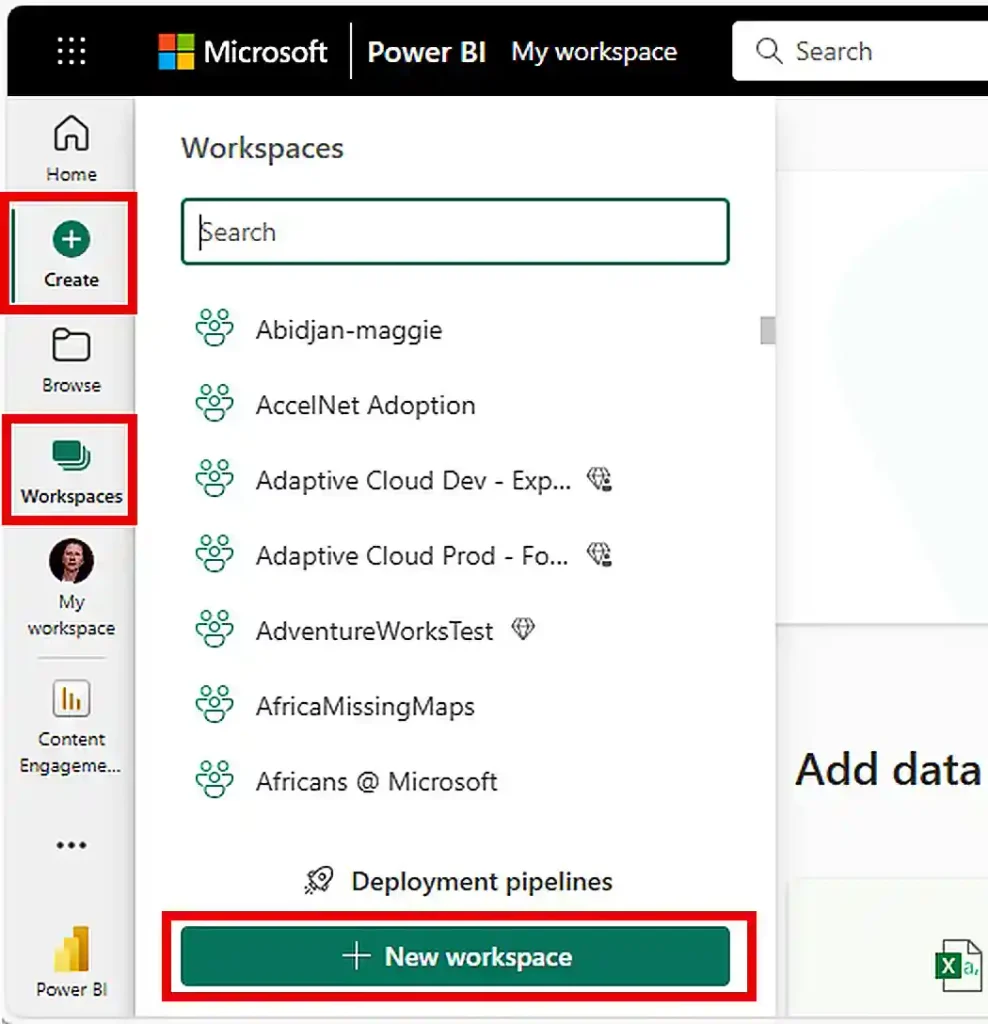
What Microsoft documents
Per Microsoft Learn: Power BI tenant migration patterns:
- Gateways: no migration path; reconfigured in the target by a Power BI admin.
- Workspaces: no migration path; recreated, with bulk creation possible through the Power BI Admin API.
- Fabric items: Git integration (commit, unlink, relink in the target). Only the definition is backed up, and items without Git support are recreated manually.
- Dataflows: download the definition JSON and reimport.
- Semantic models: backup and restore through an ADLS Gen2 storage account or download the definition and reimport.
- Reports: download the .pbix and republish or export the JSON definition.
- Dashboards and apps: no migration path; manually recreated.
- Paginated reports: download the RDL file and publish to the target.
Documented limitations
- Exported semantic model definitions exclude data, so each imported model needs at least one manual refresh.
- Users have different object IDs in the target, so every identity must be mapped, Power BI licenses reassigned, and security groups mirrored.
- For a Lakehouse, only metadata is preserved; delta tables and schemas do not transfer.
- A Git sync wipes items in the workspace that do not exist in the repository.
Best fit: a small number of reports, or items no tool covers, such as dataflows, paginated reports, apps, and Fabric items.
Not a fit: large estates where hundreds of workspaces, permissions, and refresh schedules must be rebuilt by hand.
Power BI Migration Support Is Not Documented for These Tools
ShareGate, BitTitan MigrationWiz, Cloudiway, CloudFuze, Kernel, and SysTools do not document Power BI tenant-to-tenant migration. AvePoint Fly for Power Platform documents migration of Power Apps and Power Automate flows, but not Power BI. If you plan to use one of these vendors, ask in writing which Power BI items they migrate before you buy.
Unique Insight: What Has No Migration Path, and Who Fills the Gap
Microsoft’s own guidance lists several Power BI items with no migration path. Tool coverage of these items decides how much manual rebuilding is left.
|
Item
|
Microsoft guidance |
Apps4.Pro
|
Quest ODM
|
|---|---|---|---|
|
Workspaces
|
Microsoft guidance
Recreate (Admin API)
|
Apps4.Pro
Migrated
|
Quest ODM
Migrated (shared only)
|
|
Dashboards
|
Microsoft guidance
Manual rebuild
|
Apps4.Pro
Migrated with tiles
|
Quest ODM
Not supported (per 2025 article)
|
|
Power BI apps
|
Microsoft guidance
Manual rebuild
|
Apps4.Pro
Not migrated |
Quest ODM
Not included
|
|
Gateways
|
Microsoft guidance
Reconfigure
|
Apps4.Pro
Manual configuration
|
Quest ODM
Map to pre-created gateways
|
|
Credentials and refresh
|
Microsoft guidance
Re-enter and reconfigure
|
Apps4.Pro
Credentials and schedules migrated
|
Quest ODM
Credentials supplied at migration; schedules not stated
|
Unique Insight: Data Source Coverage Decides Fit
A migrated report is only useful if its connection works in the target. Before choosing a tool, list the data sources behind your most important reports.
|
Tool
|
Documented data sources
|
|---|---|
|
Apps4.Pro
|
Documented data sources
A long connector list, including Azure SQL Database, Azure Synapse Analytics SQL, Dataverse, SharePoint Online lists, OData feeds, and Azure Databricks; on-premises data is listed as not migrated |
|
Quest ODM
|
Documented data sources
Reports based on imported Excel data, SQL Server (on-premises), and Azure SQL
|
|
Microsoft manual
|
Documented data sources
Any source, but every connection and credential is rebuilt by hand |
Pricing Compared
|
Option
|
Pricing model
|
Notes
|
|---|---|---|
|
Apps4.Pro
|
Pricing model
$5,995 per installation (one-time)
|
Notes
Same license covers mail, OneDrive, Teams, SharePoint, Power BI and more
|
|
Quest ODM
|
Pricing model
Quote
|
Notes
Power BI is handled as its own workload within On Demand Migration
|
|
Microsoft manual
|
Pricing model
No tool cost |
Notes
Admin and developer time for each workspace, model, report, and dashboard
|
Whichever option you choose, target users still need the right Power BI licenses (Free, Pro, or Premium Per User) assigned in the target tenant, as Microsoft notes.
How to Choose a Power BI Migration Tool: A 6-Step Checklist
- Inventory every item type. Count workspaces (shared and personal), reports, semantic models, dashboards, dataflows, paginated reports, apps, and Fabric items.
- List data sources and gateways. Match each source against the tool’s supported connectors, and build target gateways first.
- Map identities and licenses. Map users and groups, assign Power BI licenses in the target, and plan row-level security memberships.
- Follow the dependency order. Gateways, workspaces, dataflows, semantic models, reports, then dashboards and apps.
- Plan the first refresh. Every imported model needs a refresh in the target, so schedule capacity and credentials before cutover.
- Pilot a high-value workspace, then compare report pages, visuals, refresh results, and permissions side by side.
















