


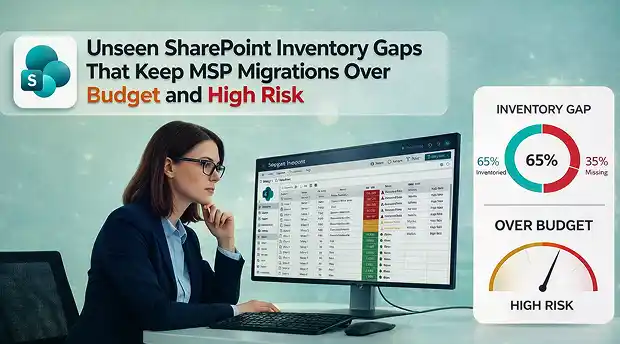
Most MSPs don’t lose money on SharePoint migrations because of tools or licensing.
They lose money during discovery.
If you’ve delivered enough tenant-to-tenant SharePoint migration projects, you’ve probably seen it happen.
Unseen gaps in the SharePoint inventory, Teams-connected sites that never made it into scope, standalone communication sites, subsites, deep hierarchies, or thousands of external sharing links that quietly turn a “standard migration” into an over-budget, high-risk project.
On paper, it still looks manageable.
When that happens, you either go back to the client for more budget or absorb the extra work yourself. One strains trust.The other strains margin.
This is about the gaps in your SharePoint site inventory that create that pressure and how they connect directly to profit and loss.
- Where Margin Erodes First: No True Tenant View
- Structure Is Where Time Disappears
- Permissions and External Sharing: The Quiet Risk
- Metadata: Where “Successful” Still Feels Broken
- Size and Scale: The Timeline Multiplier
- Migration Quietly Becoming Modernization
- How Gaps Turn into Direct Loss
- What a Profit-Protecting Inventory Actually Looks Like
- Standardize the Process, Don’t Rebuild It Every Time
- Turning Discovery into Something You Can Actually Control
1. Where Margin Erodes First: No True Tenant View
The margin usually starts eroding before a single GB even moves.
In reality, most MSPs never get a true tenant-wide SharePoint site inventory report. They rely on admin center summaries, partial exports, or what the client believes exists.
That’s where blind spots begin.
Not in the data transfer.
In discovery.
Hidden across the tenant, you’ll often find:
- Teams connected sites
- Standalone communication sites
- Classic subsites buried in legacy structures
- Hub associations no one documented
They don’t always show up in a basic SharePoint inventory report you’re using.
And when they surface mid-migration, scope doesn’t just expand. It shifts.
Extra batches, extra planning, extra client conversations.
Hours that were never priced.
Effort that was never estimated.
Each one looks minor on its own. Combined, they quietly turn a controlled migration into a reactive one.
And reactive projects are where the margin disappears.
2. Structure Is Where Time Disappears
A site URL list looks clean.
But the real complexity lives underneath.
Deep subsite hierarchies, custom templates no one documented, massive libraries with hundreds of thousands of items, lists that function like mini applications, pages and navigation users rely on every day.
None of that shows up in a simple SharePoint site inventory report.
Without a structured SharePoint document inventory and structural analysis, discovery remains incomplete.
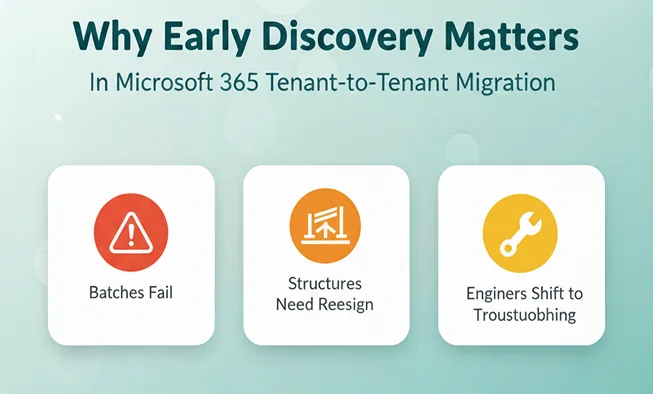
When this isn’t uncovered early, batches fail, structures need redesign, engineers shift from execution to troubleshooting.
That time was never estimated.
That effort was never priced.
And unpriced work doesn’t stay small. It compounds.
3. Permissions and External Sharing: The Quiet Risk
Permissions rarely look dangerous at first glance.
Over time, tenants accumulate complexity: unique item-level permissions, broken inheritance, ad hoc sharing, and external links that no one centrally tracks.
A surface-level SharePoint inventory won’t expose this.
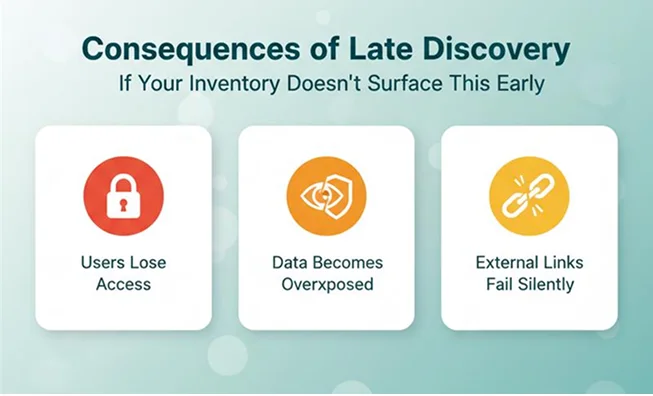
If your inventory doesn’t surface this early, the consequences surface later.
Users lose access, data becomes overexposed, and external links fail silently.
Now you’re running permission audits inside a fixed-fee project.
That’s not optimization. That’s margin leakage.
4. Metadata: Where “Successful” Still Feels Broken
A migration can be completed technically — and still feel wrong.
Custom columns, content types, managed metadata, and filtered views drive how users actually work.
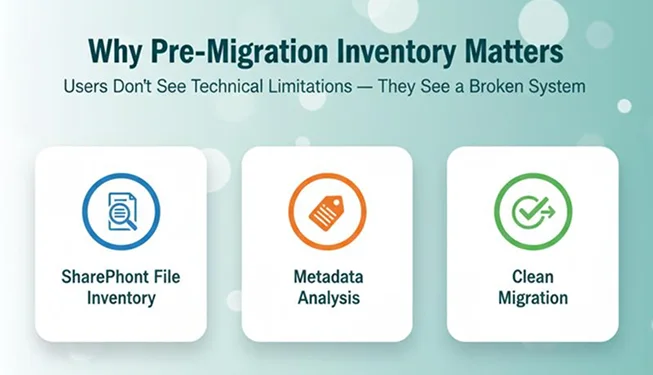
When they don’t migrate cleanly, users don’t see a “technical limitation.”
They see a broken system.
This is why a proper SharePoint file inventory and metadata analysis matter before migration begins.
And once users lose confidence, the cleanup begins.
Remapping fields, rebuilding views and explaining why things look different.
None of it was in the original scope.
And none of it was priced.
5. Size and Scale: The Timeline Multiplier
Even with perfect structure and permissions planning, size alone can shift profitability.
Oversized files, massive libraries, stale content that no one measured upfront, storage footprints larger than expected.
A complete SharePoint document inventory highlights file sizes, storage distribution, and large libraries before pricing decisions are made.
Individually, none of it feels dramatic.
But without clear thresholds defined before quoting, timelines stretch.
Weekends roll into weekdays, batches split, and engineers stay late to keep momentum.
The client sees commitment.
Your margin sees erosion.
6. Migration Quietly Becoming Modernization
Many SharePoint migrations start as lift-and-shift projects.
But they inherit legacy architecture.
Classic sites, complex hub designs, standalone structures with no consistent pattern, customizations that don’t translate cleanly into modern SharePoint.
None of it looks urgent during discovery.
Until migration turns into redesign.
Navigation changes, architecture decisions resurface, and senior architects step in to untangle structural questions that were never priced.
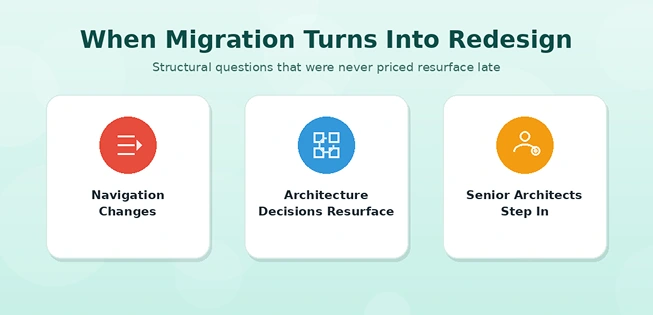
More effort, same budget and suddenly, a migration project is funding a modernization initiative.
This is common in poorly scoped tenant to tenant SharePoint migration engagements.
7. How Gaps Turn into Direct Loss
Unseen gaps in your SharePoint site inventory don’t create minor inconvenience.
They create scope expansion.
Scope expansion creates unplanned labour.
Unplanned labour creates margin pressure.
And margin pressure doesn’t stay theoretical.
Sometimes it becomes overtime.
Sometimes it becomes unplanned discounts.
Sometimes it becomes a tense conversation when expectations and reality no longer align.
If you price based on “average complexity” without detecting above-average reality through a proper SharePoint inventory report, you don’t just absorb extra effort.
You finance it.
8. What a Profit-Protecting Inventory Actually Looks Like
A serious pre-migration SharePoint site inventory goes far beyond counting sites.
It maps structure, including site types, hub associations, and subsite depth.
It measures scale, including storage per site, oversized libraries, and files above defined thresholds.
It surfaces metadata through a detailed SharePoint document inventory.
It reviews permissions, including ownership clarity, group sprawl, unique inheritance breaks, and external sharing patterns.
It evaluates lifecycle signals such as last activity, stale content, and usage patterns that indicate real business value.
This level of visibility does more than improve documentation.
It changes pricing conversations.
It allows you to quote with confidence, justify complexity before delivery, and reduce reactive work mid-project.
Inventory stops being a checklist.
It becomes a margin protection mechanism.
It becomes a risk model.
9. Standardize the Process, Don’t Rebuild It Every Time
Once you define this depth of SharePoint inventory, the next challenge is consistency.
You can manually script exports for every tenant. It’s possible.
But it’s slow.
It’s inconsistent.
And it depends too heavily on individual execution.
A standardisation changes that.
With a structured inventory platform, sites, structures, permissions, and usage can be enumerated consistently across tenants.
That consistency removes guesswork from discovery.
Over time, deep inventory stops being reactive work.
It becomes a predictable, scalable part of your delivery model.
And scalability is what allows growth without sacrificing margin.
10. Turning Discovery into Something You Can Actually Control
None of the risks in this article are caused by bad migration tools.
They happen because no one had a clear picture of the tenant before the project started.
If you can see the full structure early, such as site types, folder hierarchy, subsites, oversized libraries, permission breaks, external sharing, and metadata dependencies, then pricing becomes a lot less stressful.
You stop guessing.
You stop reacting.
You stop absorbing surprises halfway through delivery.
That’s the idea behind Apps4.Pro Migration Manager.
Apps4.Pro gives MSPs tenant-wide inventory visibility in a structured, repeatable format. It surfaces structural complexity, permission risks, metadata dependencies, and scale metrics before pricing decisions are finalized, so scope is defined by data, not assumptions.
It’s not just about moving content from one place to another. It’s about exposing what’s really there before scope is locked and contracts are signed.
When discovery is structured, projects stay predictable.
And predictable projects protect margin.
For MSPs working on fixed-fee models, that clarity isn’t a luxury.
It’s insurance.

















 Migrate
 Manage
 Migrate Microsoft 365








