


- Key Takeaways
- How We Selected These Alternatives
- Why Organizations Look For A ShareGate Alternative
- What ShareGate Is, And Where It Fits
- The Best ShareGate Alternatives In 2026 At A Glance
- Best ShareGate Alternatives in 2026: Features, Pricing & Comparison
- Which Sharegate Alternative Should You Choose?
- Apps4.Pro vs. ShareGate: A Focused Comparison
- What To Evaluate Before Choosing A SharePoint Migration Tool
- Conclusion
- Frequently Asked Questions
Key Takeaways
- The best ShareGate alternatives in 2026 are Apps4. Pro, AvePoint Fly, Quest On Demand Migration, BitTitan MigrationWiz, Cloudiway, and CloudFuze, each suited to a different scenario.
- Apps4.Pro moves more Microsoft 365 workloads in one license, including Teams chat, Planner Premium, Power BI, Power Automate, Forms, and Viva Engage, which ShareGate does not migrate.
- ShareGate does not migrate Teams 1:1 or group chats; its beta Copy-Chat command was disabled in May 2026 pending a rebuild.
- Quest On Demand Migration leads on identity-led tenant-to-tenant work, including Entra ID migration and mail coexistence during staged cutovers.
- Apps4.Pro does not migrate Entra ID identities or non-Microsoft sources like Box, file shares, and on-premises SharePoint, so those projects favour ShareGate.
- BitTitan MigrationWiz uses transparent per-user pricing for mailbox-heavy moves; AvePoint Fly fits large multi-workload enterprise programmes.
- Run a pre-migration inventory first: identity and source diversity point to ShareGate or Quest; Microsoft 365 workload breadth points to Apps4.Pro.
Most migration projects go sideways in the same place. The four workloads everyone plans for, Exchange, SharePoint, OneDrive, and Teams, migrate fine. Then user acceptance testing starts, and someone asks where the approval flows went, or why three years of Planner history is missing, or why the finance team’s Power BI dashboards are blank. By then the cutover date is fixed, and you are choosing between a manual rebuild and buying a second tool mid-project.
That gap between what a migration tool covers and what your tenant actually contains is why teams evaluate ShareGate alternatives in the first place. ShareGate is a solid tool. It just was not built to move everything a modern Microsoft 365 tenant now holds. This guide walks through the alternatives worth considering in 2026, what each one actually migrates, and which scenario each fits best.
How We Selected These Alternatives
Migration comparison articles tend to recycle the same old listicles without checking whether a tool is still relevant. We took a different approach. Every tool here had to meet four tests:
- Actively offered in 2026. No abandoned products or renamed shells. Each tool has current documentation and a live pricing or product page.
- A genuine ShareGate substitute. It has to migrate Microsoft 365 content, not just sit adjacent to the category. Pure mailbox-only movers were excluded unless they also handle SharePoint and Teams.
- Verified against primary sources. Every capability and price was checked against vendor documentation, Microsoft Learn, or official pricing pages in September 2026, not against marketing copy or third-party summaries.
- A distinct use case. Tools that only duplicated another entry were left out. Each one earns its place by fitting a scenario the others do not.
That produced seven entries: Apps4.Pro, AvePoint Fly, Quest On Demand Migration, BitTitan MigrationWiz, Cloudiway, CloudFuze, and Microsoft’s own native tooling. Rather than force an arbitrary ranking, we cover each on the same criteria so you can match the tool to your scope. Because these products change often, confirm current details with each vendor before you buy.
Why Organizations Look For A ShareGate Alternative
Most teams evaluating alternatives are not leaving because ShareGate works badly. They leave because their migration includes something it does not cover, or because a different pricing or delivery model fits better. The common triggers:
- Workloads outside ShareGate’s scope: Teams 1:1 and group chats, Planner Premium plans, Power BI, Power Automate, Microsoft Forms, and Viva Engage are not migrated by ShareGate. If any sit on the critical path, ShareGate alone will not finish the project.
- Identity-led tenant-to-tenant migration: Mergers, acquisitions, and divestitures often need user accounts created and mapped at the destination, with mail coexistence during a staged cutover. That is a different problem from copying content.
- Larger or more complex environments: Big consolidations may need more concurrent throughput, coexistence, or directory synchronization than a content-copy tool provides.
- Pricing and licensing fit: ShareGate is a flat annual license priced per machine activation. Per-user or bundled models can be cheaper for small mailbox counts and more expensive at scale; the crossover depends on user numbers.
- Delivery model: ShareGate runs on Windows as an operator-driven desktop tool. Some teams prefer a fully SaaS, agentless platform.
- Source diversity: File shares, Box, on-premises SharePoint, and Google Workspace as sources are handled differently across tools, and not every alternative supports them.
None of these are defects in ShareGate. They are scope boundaries. The useful question is not “which tool is best” but “which tool matches the workloads, sources, and identity requirements in front of me.”
What ShareGate Is, And Where It Fits
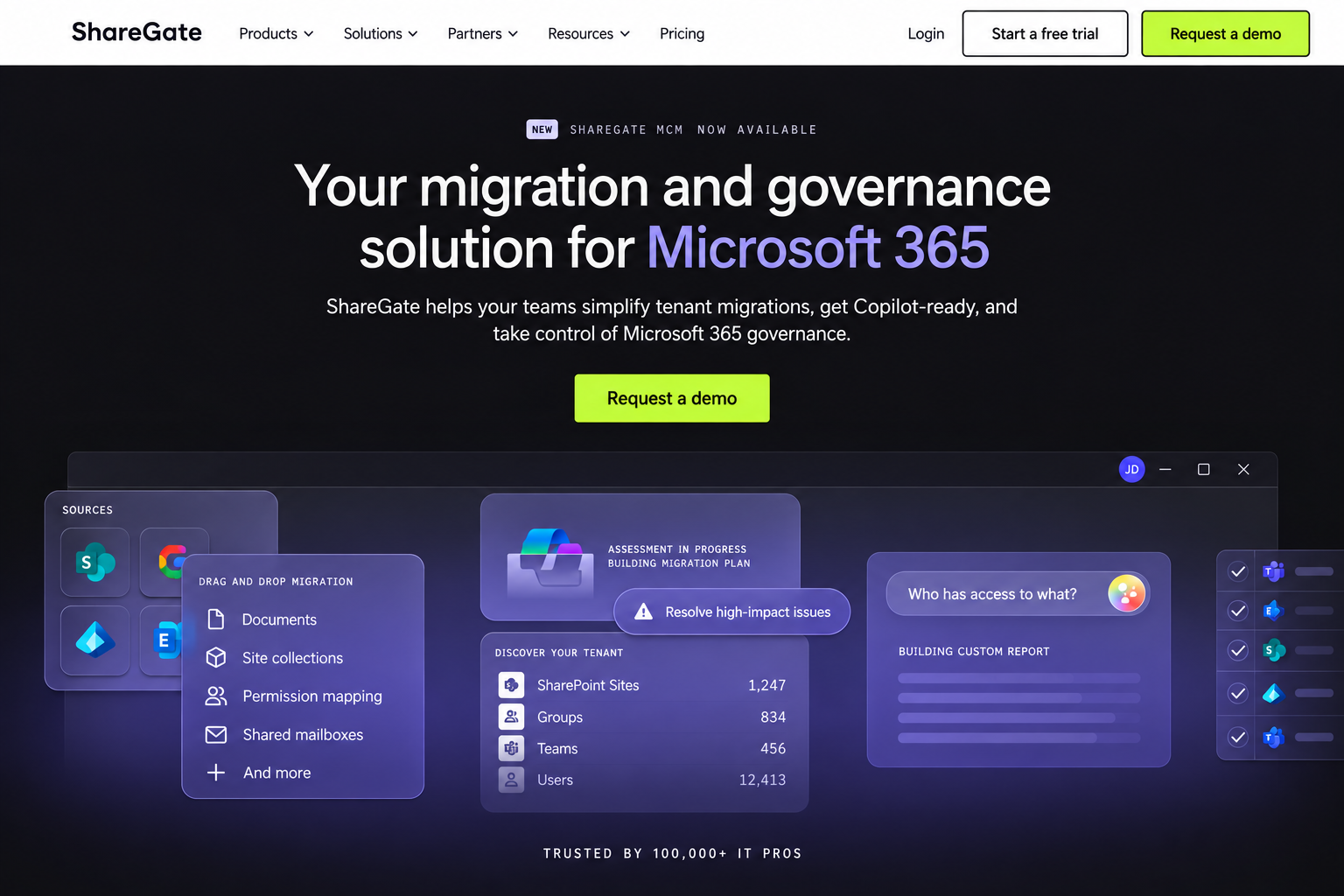
ShareGate, sold as ShareGate Migrate alongside the separate ShareGate Protect governance product, is a Microsoft 365 and SharePoint migration tool aimed at mid-market and enterprise organizations. It runs on Windows and operates through Microsoft Graph and Microsoft-supported migration APIs, with no agents installed in the tenant.
Commonly used for: SharePoint Online restructuring, tenant-to-tenant moves, file-share and Box imports into Microsoft 365, and repeated operator-led migration waves with validation reporting.
Migration scenarios and sources: Tenant-to-tenant Microsoft 365 migration, plus imports from file shares, Box, Google Workspace, and most versions of on-premises SharePoint. On Migrate Pro and Enterprise, it also performs Entra ID identity migration and Microsoft Purview sensitivity label migration.
Microsoft 365 workloads: SharePoint Online, OneDrive for Business, Teams (teams and channels, including private channels), Exchange Online mailboxes (Pro and Enterprise only), and Planner Basic.
SharePoint content, permissions, and metadata: Full support for lists, libraries, files, folders, and site content, with permissions and metadata preserved and a permissions matrix report for pre-migration analysis. Mapping and restructuring during the copy is one of its recognized strengths.
Incremental migration: Supported. Incremental passes copy new and changed content only and do not delete items at the destination.
Assessment and reporting: Environment discovery, source analysis reports, a permissions matrix report, site and site-collection reports, and post-migration reports covering completed items, warnings, and errors.
Automation and scheduling. No PowerShell is required for standard work; a PowerShell module on Pro and Enterprise is required for certain capabilities. Running migrations can be cancelled, but not paused, resumed, or reverted mid-run.
Pricing (list, verified September 2026): Migrate Essentials $5,995/year (1 machine activation); Migrate Pro $9,995/year (5 activations); Migrate Enterprise from $17,995/year (25 activations). Flat rate, unlimited users and data, priced per concurrent machine rather than per user. A 15-day full-featured trial is available. See the ShareGate pricing page for current figures.
ShareGate limitations to plan around
Each item below is documented by ShareGate. None makes it a poor tool. They are scope boundaries that decide whether it fits a given project.
- Teams private chat is not migrated: The beta PowerShell Copy-Chat command was disabled in May 2026 after ShareGate found message-history issues, and it remains off pending a rebuild. Teams private chat sits on ShareGate’s public roadmap.
- Channel post limit: Only the 50 most recent channel conversations land in the live Posts tab; the rest go to an HTML archive in a Message history tab. The PowerShell module (Pro and Enterprise) raises this to 500. See ShareGate’s Copy Teams limitations.
- Lost fidelity: Reactions, link previews, and resolved @mentions do not survive channel migration.
- Shared channels (Microsoft Teams Connect) are not supported and are skipped.
- Planner Premium is unsupported: On migrated Basic plans, Created by and Completed by are rewritten to the migration account and timestamps to the migration date, per ShareGate’s Copy Teams Planner documentation.
- National clouds (GCC, GCC High, DoD, 21Vianet, Germany) are not supported for Teams migration; GCC High is on the roadmap.
- Essentials exclusions: Exchange Online mailbox migration, Entra ID, Purview labels, Google Workspace, Box, and the PowerShell module all require Pro or Enterprise.
Suitable for: organizations whose migration centres on SharePoint, OneDrive, Teams channels, and Exchange, especially where SharePoint restructuring, mapping, and validation reporting matter, and where identity is out of scope or handled separately.
The Best ShareGate Alternatives In 2026 At A Glance
Tool | Best-fit scenario | Standout capability | Where it stops |
Apps4.Pro | Microsoft 365 to Microsoft 365 with workloads beyond the core four | Teams chat, Planner Premium, Power Platform, Viva Engage, Forms, Bookings in one license | No identity migration; no Box, file shares, or on-prem SharePoint sources |
AvePoint Fly | Large multi-workload, multi-source enterprise programmes | SaaS orchestration, broad sources, hybrid AD to Entra ID | Quote-only pricing; breadth can exceed simple SharePoint projects |
Quest On Demand Migration | Identity-led M&A tenant-to-tenant with coexistence | Cross-tenant mail flow, directory migration, staged cutovers | SharePoint component lighter than a dedicated engine; architect-driven |
BitTitan MigrationWiz | Mailbox-heavy and mixed-source moves | Transparent per-user pricing, wide mailbox source coverage | Per-user cost scales with size; lighter SharePoint restructuring |
Cloudiway | Multi-platform collaboration moves (Slack, Google Chat) | Unified all-workload licensing, built-in coexistence | Less enterprise validation than ShareGate or Quest |
CloudFuze | Managed, high-volume M365 or Google tenant moves | Fully managed service, 100 TB+ scale, Google and M365 | Managed/quote model; less self-service than desktop tools |
Microsoft native tools | Budget-first, standard content moves | Free or low-cost; native cross-tenant site move | No restructuring; cross-tenant service is EA-gated |
7 Best ShareGate Alternatives in 2026: Features, Pricing & Comparison
Each tool below is covered on the same criteria: what it is, best-fit scenario, SharePoint capabilities, Microsoft 365 workloads, tenant-to-tenant support, permissions and fidelity, reporting and automation, pricing, and limitations.
1. Apps4.Pro: The Workload-Breadth Alternative To ShareGate
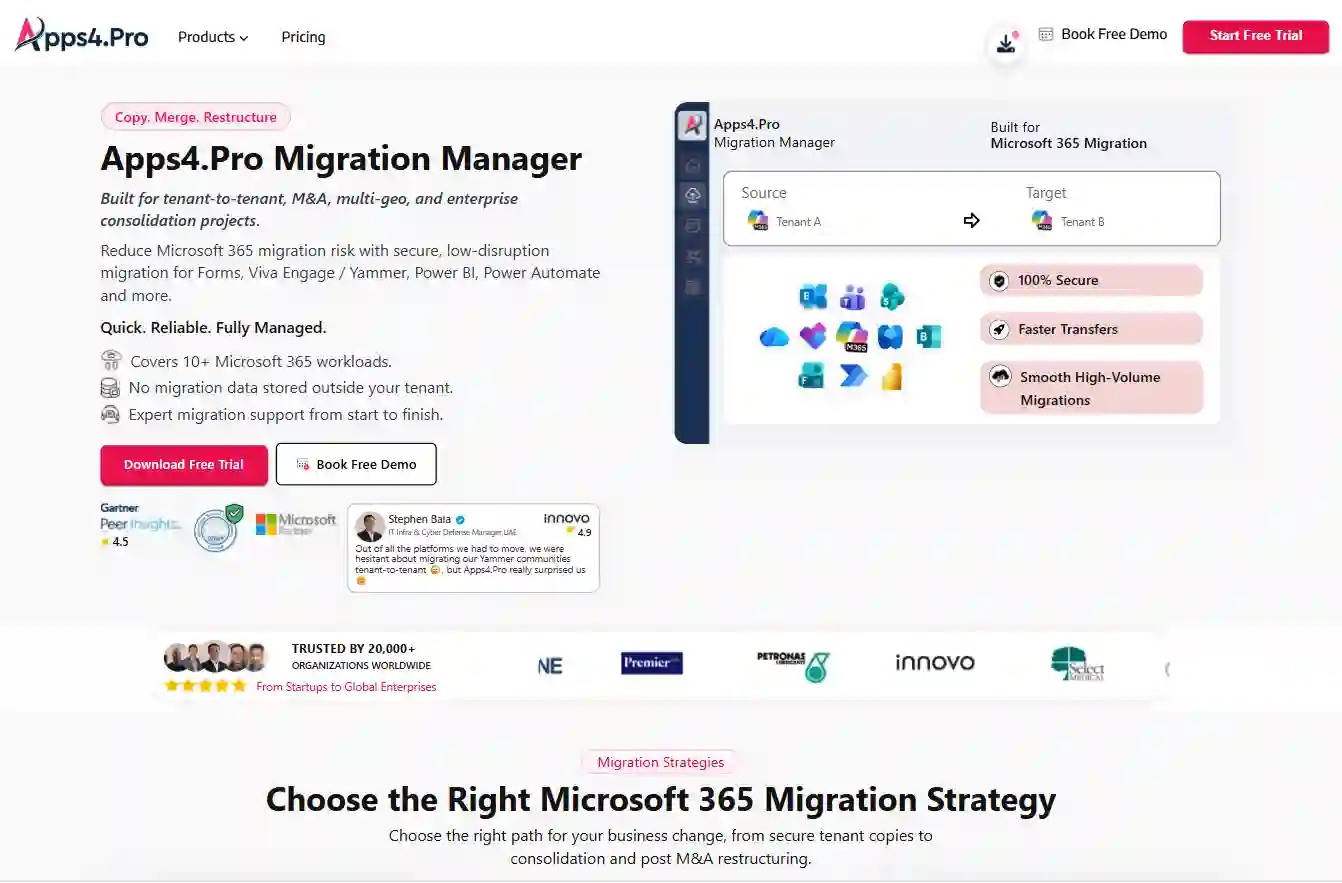
Apps4.Pro Migration Manager, from JiJi Technologies, is built around a specific gap. It moves a wider set of Microsoft 365 workloads than ShareGate in a single license, but does not migrate identity or non-Microsoft sources. When a project is Microsoft 365 to Microsoft 365, and the scope reaches past Exchange, SharePoint, OneDrive, and Teams channels, it is the most direct substitute for ShareGate on the market. The detail below reflects current Apps4.Pro product and support documentation, verified September 2026.
- Best suited for: Microsoft 365 to Microsoft 365 migrations (mergers, acquisitions, divestitures, rebranding, consolidations) where the workload scope is wide, and identity is handled separately. The natural choice when Teams chat, Power Platform content, Planner Premium, Viva Engage, Forms, or Bookings must move alongside the core workloads.
- SharePoint capabilities: migrates SharePoint Online between tenants and within the same tenant across Modern Team Sites, Communication Sites, Classic Sites, and Hub Sites. Handles site collections, subsites, site pages, site permissions and settings, lists and list items, libraries, files, folders, metadata, and version history, with content structure preserved during the copy.
- Microsoft 365 workloads: Exchange Online, SharePoint Online, OneDrive, and Teams channels, the same core set as ShareGate, plus the workloads ShareGate does not move: Teams chat (1:1, group, meeting), Planner Premium, Power BI, Power Automate, Viva Engage, Microsoft Forms, and Microsoft Bookings.
- Tenant-to-tenant: it’s the core scenario. Teams chats migrate as native Teams messages via Microsoft Graph APIs, and Planner Premium keeps sprints, dependencies, goals, effort, percent complete, and sub-tasks.
- Permissions and fidelity: preserves site permissions, metadata, version history, and content structure. Because it does not migrate identity, destination users must already exist and are mapped to source accounts via CSV so ownership and permissions resolve.
- Reporting and automation: free pre-migration inventory and risk report; item-level reports, validation summaries, and downloadable audit logs. Incremental (delta) passes move only new or changed content before cutover; parallel execution scales across 1, 5, or 20+ machine installations. No scripting required.
- Pricing (list, verified September 2026): Essentials $5,995 (1 machine); Growth $8,995 (5 machines); Enterprise $17,995 (20+ machines); 15-day trial, no credit card. Mailbox, OneDrive, SharePoint, Teams channels, Teams chats, and Planner are unlimited on every tier; see the Apps4.Pro pricing page. ISO 27001 and ISO 27701 certified; Microsoft Solutions Partner.
- Limitations: no Entra ID identity migration (users must pre-exist); no Microsoft Purview sensitivity label migration; no Box, file shares, or on-premises SharePoint sources (Google Workspace is in open beta). Viva Engage, Forms, Power Automate, and Power BI are metered by tier, as shown below.
Metered workload | Essentials | Growth | Enterprise |
Viva Engage communities | 10 | 20 | 50 |
Microsoft Forms | 300 | 500 | 2,000 |
Power Automate flows | 50 | 100 | 200 |
Power BI workspaces | 10 | 25 | 100 |
The entry tier is where Apps4.Pro and ShareGate diverge most. Apps4.Pro Essentials includes Exchange Online mailbox migration with no volume limit, while ShareGate Migrate Essentials excludes it and requires Migrate Pro at $9,995.
2. AvePoint Fly
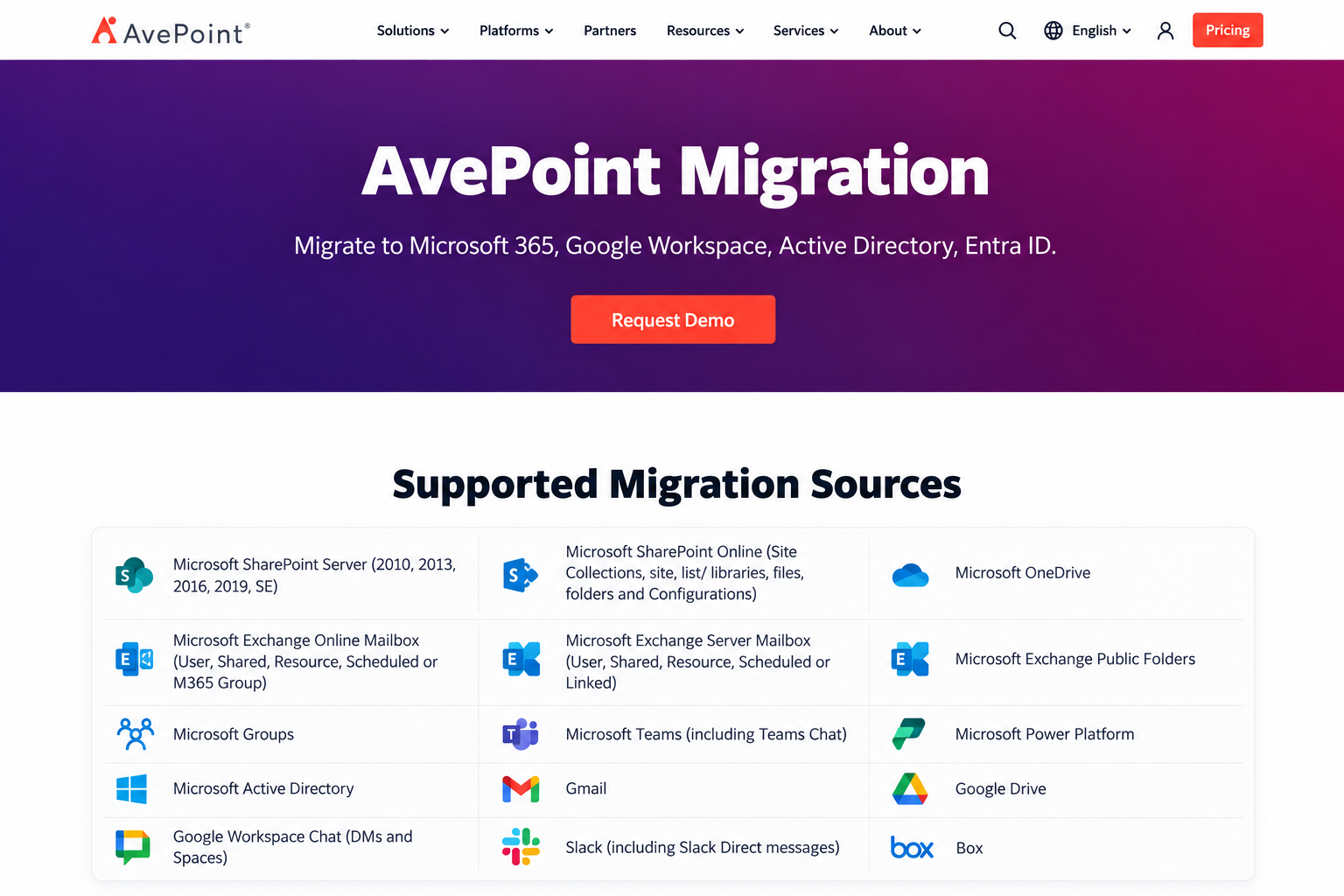
A fully SaaS, agentless Microsoft 365 migration platform from AvePoint, positioned for large and multi-workload programmes including mergers and acquisitions.
- Best suited for: large or complex multi-workload migrations where cloud orchestration, discovery, and mapping matter more than a desktop operator model.
- SharePoint capabilities: full SharePoint Online site, list, and library migration with mapping and filtering; on-the-fly restructuring of entire sites or granular folders.
- Microsoft 365 workloads: Exchange Online, SharePoint Online, OneDrive, Teams (including private channels and 1:1/group chats), Microsoft 365 Groups, Planner, Power Apps, and Power Automate.
- Tenant-to-tenant: a core strength, with GCC High shared-channel support and hybrid Active Directory to Entra ID identity migration. Sources include Microsoft 365, Exchange on-premises, Google Workspace, Box, Dropbox, and Slack.
- Permissions and fidelity: permissions, version histories, and sensitivity labels preserved with advanced mapping.
- Reporting and automation: discovery reports, real-time dashboards, downloadable job reports, reusable policies, and Azure BLOB staging to reduce throttling.
- Pricing: quote-based; no published flat list pricing.
- Limitations: opaque pricing, and the breadth can exceed a simple SharePoint-only project. Confirm object-level fidelity for your workloads.
Best-fit use case. Enterprise M&A and consolidation programmes spanning many workloads and multiple source platforms.
3. Quest On Demand Migration (And Content Matrix)
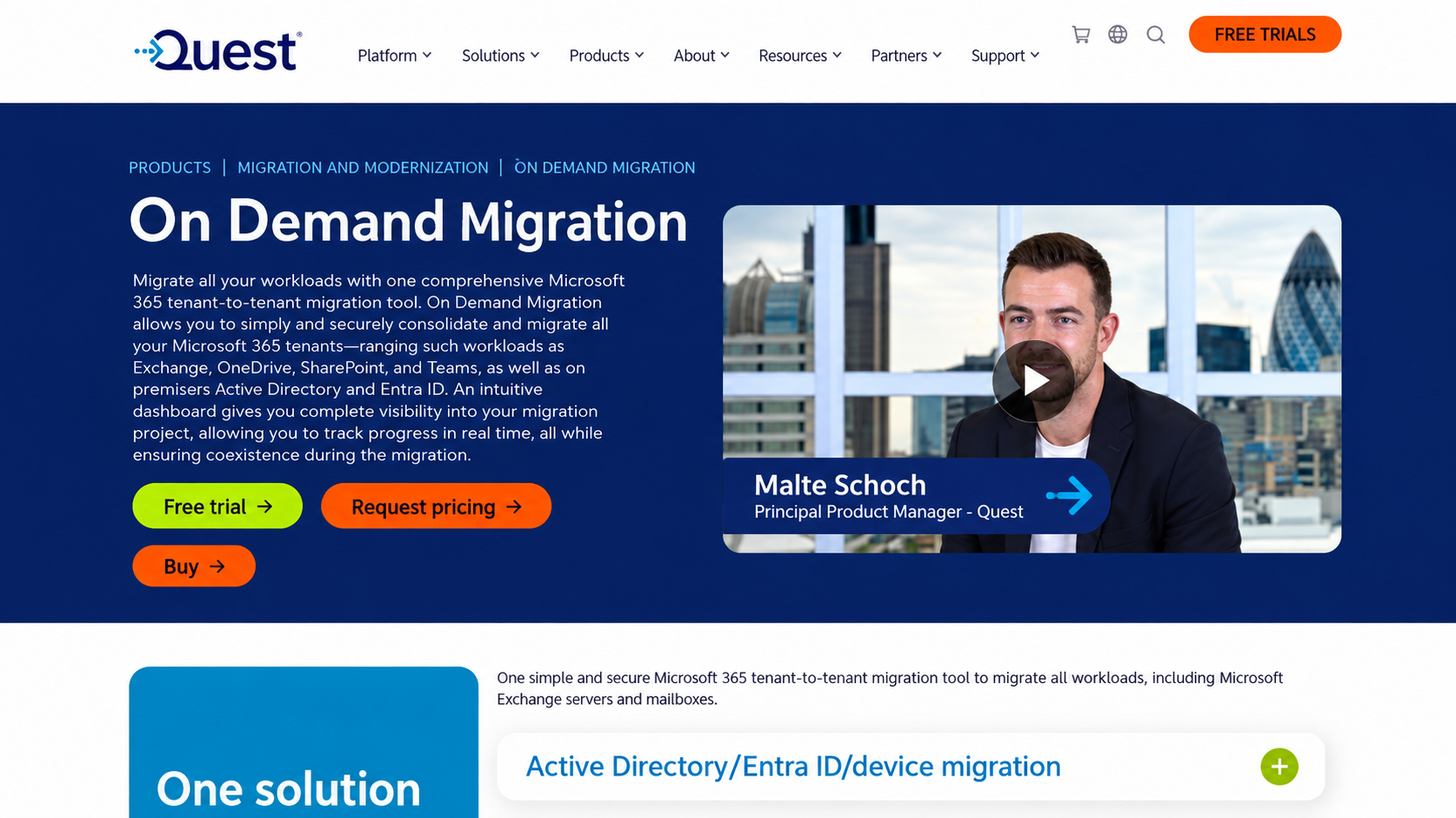
Quest offers two relevant products: On Demand Migration (ODM), a SaaS tenant-to-tenant platform, and Content Matrix / Metalogix, an engine for granular and high-volume SharePoint migration. ODM is the enterprise heavyweight for identity-led moves.
- Best suited for: identity-led Microsoft 365 tenant-to-tenant programmes (mergers, divestitures, legacy-platform exits) where coexistence and directory migration are central.
- SharePoint capabilities: ODM migrates SharePoint Online sites tenant-to-tenant, with site mapping, CSV-based custom mapping, term store migration, and permissions. Content Matrix adds deeper granular and on-premises SharePoint capability.
- Microsoft 365 workloads: Exchange (including hybrid and on-premises), OneDrive, SharePoint, Teams, Microsoft 365 Groups, public folders, and Power BI, plus Active Directory and Entra ID.
- Tenant-to-tenant: Quest’s defining strength, with cross-tenant mail flow, free/busy sharing, address rewriting, and directory sync during staged migration waves.
- Permissions and fidelity: permissions migrated; sensitivity labels, encryption policies, and access scopes preserved across tenants.
- Reporting and automation: tenant discovery, account matching, an intuitive dashboard, and a Desktop Update Agent for reconfiguring Outlook and Office apps post-migration.
- Pricing: quote-based; typically procured for enterprise projects.
- Limitations: ODM’s SharePoint component has historically had template and feature limitations versus a dedicated engine, and it assumes a migration architect is driving. Confirm current SharePoint support for your site types.
Best-fit use case. M&A or divestiture tenant-to-tenant migrations of 500+ seats requiring coexistence and identity migration.
4. Bittitan Migrationwiz
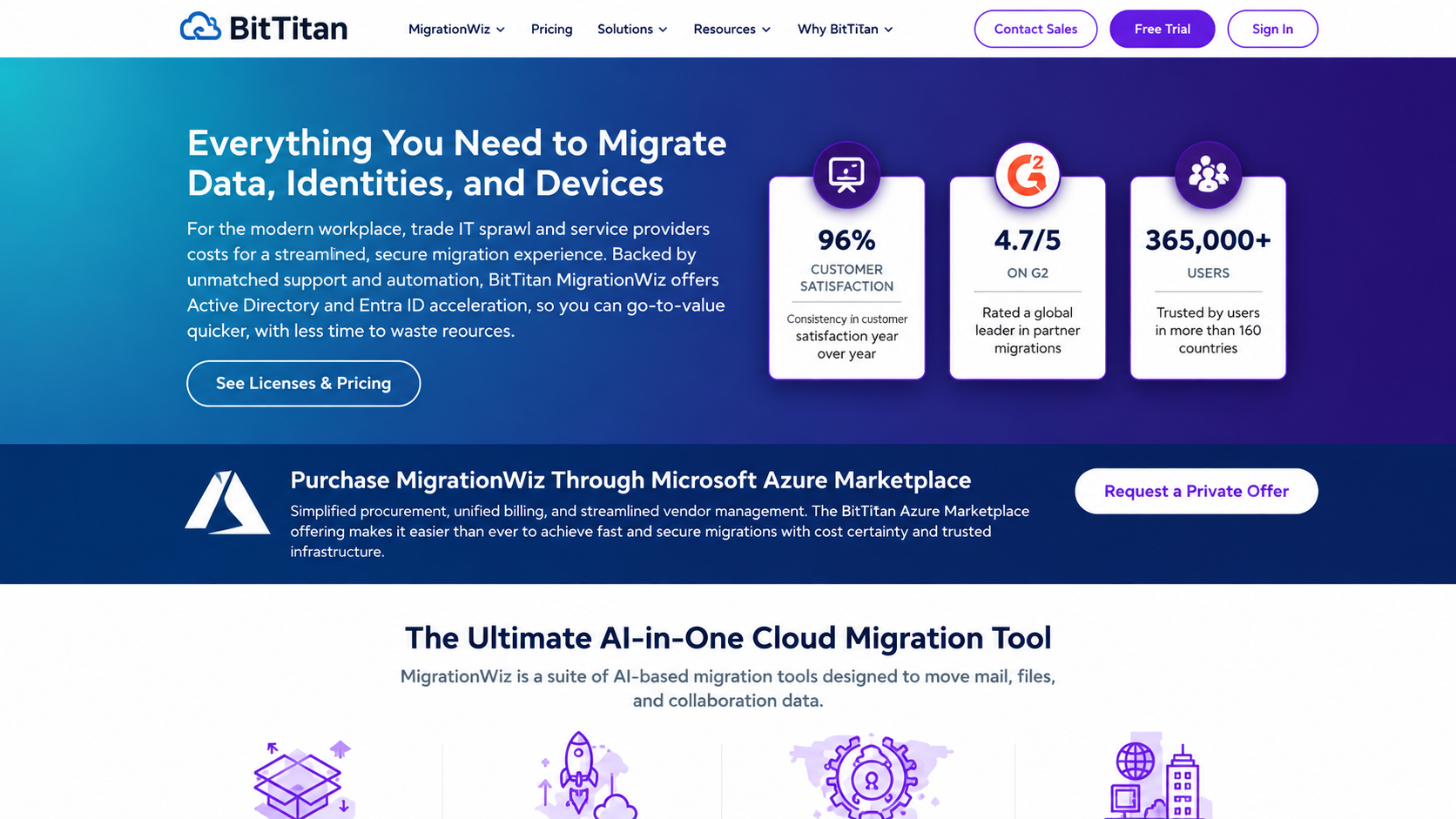
A fully SaaS, agentless migration platform (owned by Idera) known as the widest pure-mailbox mover, with transparent per-user pricing.
- Best suited for: mailbox-heavy and mixed-source migrations where predictable per-user pricing and self-service operation fit the team.
- SharePoint capabilities: supported via document/collaboration bundles rather than the base mailbox license; capable but not a restructuring-focused SharePoint engine.
- Microsoft 365 workloads: Exchange Online, OneDrive, SharePoint Online, and Teams, including Teams private chat, now bundled into the User Migration Bundle.
- Tenant-to-tenant: supported across mailbox, document, collaboration, and identity workloads. Directory Sync (via PowerSyncPro) and Migration Agent add identity and device migration. Broad sources include Google Workspace, Box, Dropbox, and Google Drive.
- Permissions and fidelity: Shared Documents migration preserves files, folders, permissions, versions, and metadata.
- Reporting and automation: project management at the mailbox, team, and document-library level, with auto-discovery and per-project monitoring; no agents or installs.
- Pricing (per user, verified September 2026): see table below.
- Limitations: per-user pricing scales with tenant size and can exceed flat-rate tools past a few hundred users; SharePoint restructuring is lighter than dedicated engines; shared, resource, and room mailboxes each consume a license.
License | Price | Covers |
Mailbox Migration | $14/user | Full-fidelity mailbox, up to 50 GB |
User Migration Bundle | $17.50/user | Mailbox, archives, documents, Teams private chat, unlimited data |
Tenant Migration Bundle | $57/user | Adds Teams migration or 100 GB shared docs; Exchange, OneDrive, SharePoint, Teams |
Teams Collaboration | $48/team | Teams, channels, conversation history, up to 100 GB |
Active Directory / Entra ID | $6.25/user | AD-to-Entra ID and Entra ID-to-Entra ID identity migration |
Best-fit use case. Email-led tenant-to-tenant moves and mixed-source mailbox migrations where user counts are moderate and pricing predictability matters.
5. Cloudiway
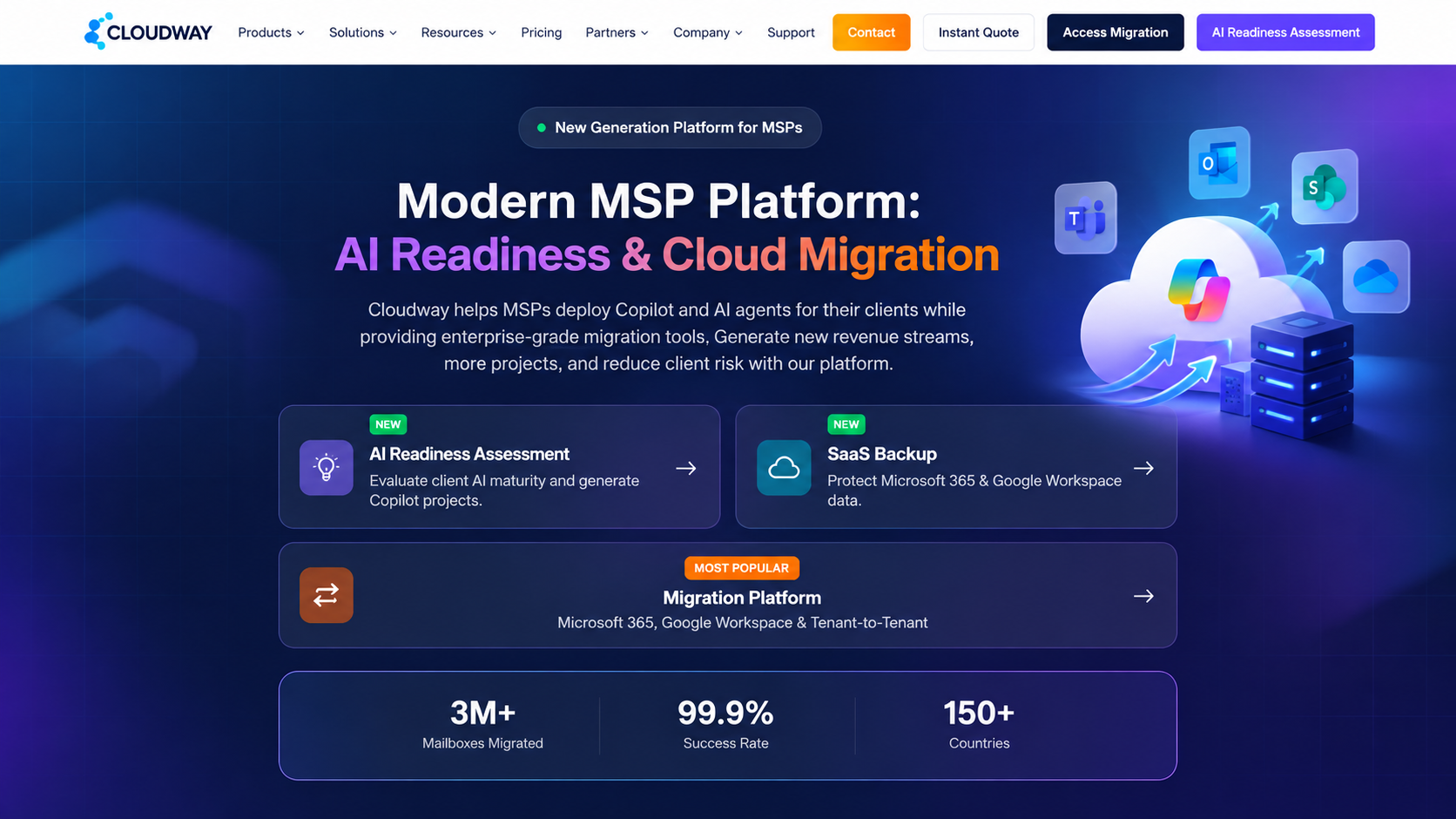
A fully SaaS migration platform aimed at MSPs and IT teams running multi-source moves with built-in coexistence.
- Best suited for: organizations wanting one platform to cover all Microsoft 365 workloads plus collaboration sources like Slack and Google Chat.
- SharePoint capabilities: supported as part of unified all-workload licensing.
- Microsoft 365 workloads: Exchange, OneDrive, SharePoint, Teams, plus Slack, Google Chat, and Intune.
- Tenant-to-tenant: supported, with built-in coexistence (GALSync and mail routing) during staged migrations.
- Permissions and fidelity: permissions and metadata preserved across supported workloads.
- Reporting and automation: discovery and reporting, 24×5 expert support included, fully SaaS with bundled non-expiring licenses. Delta passes included in licensing rather than charged separately.
- Pricing: bundled, unified licensing (one license covers all workloads); from around $475 for 50 mail licenses, quote-based above that.
- Limitations: less brand presence and third-party validation than ShareGate or Quest; confirm object-level fidelity and enterprise references for your scope.
Best-fit use case. MSP-run migrations spanning Microsoft 365 and non-Microsoft collaboration platforms where coexistence and predictable bundled pricing matter.
6. Cloudfuze
A cloud migration platform offered largely as a managed, high-volume service, covering both Microsoft 365 and Google Workspace tenants.
- Best suited for: large enterprises and IT teams that want a fully managed tenant-to-tenant migration rather than a self-operated tool, especially at very high data volumes.
- SharePoint capabilities: SharePoint Online to SharePoint Online migration with version history, root and sub-folder permissions, and file-level permissions preserved.
- Microsoft 365 workloads: Exchange Online, OneDrive, SharePoint Online, and Teams (channels and private chats). Also migrates between Microsoft 365 and Google Workspace in either direction.
- Tenant-to-tenant: a core focus, with automated user mapping (including CSV), staged migrations, and zero-downtime cutover; documented at 100 TB to 10 PB+ scale.
- Permissions and fidelity: preserves permissions, metadata, timestamps, version history, and sharing links.
- Reporting and automation: real-time dashboards, audit trails, and pre- and post-migration validation; auto delta sync for incremental passes.
- Pricing: quote-based, project-based pricing tied to users, data volume, and workloads. ISO 27001 and SOC 2 Type II certified.
- Limitations: oriented toward managed engagements rather than self-service desktop operation; less suited to teams that want to run migrations hands-on with a fixed license.
Best-fit use case. Large or complex tenant consolidations, or mixed Microsoft 365 and Google Workspace estates, where a managed service and very high throughput matter more than self-service tooling.
7. Microsoft Native Tools (SPMT, Migration Manager, Cross-Tenant Migration)
Microsoft’s own free and low-cost tooling: the SharePoint Migration Tool (SPMT) for SharePoint Server and file shares, Migration Manager for distributed file-share and supported cloud sources, and the cross-tenant SharePoint migration service for eligible Enterprise Agreement customers.
- Best suited for: budget-constrained projects with straightforward source-to-Microsoft-365 content moves, or eligible customers doing native cross-tenant SharePoint site moves.
- SharePoint capabilities: SPMT and Migration Manager handle assessment, migration, and incremental reruns for supported sources at no license cost. The cross-tenant service performs native SharePoint site moves with source redirects.
- Microsoft 365 workloads: limited to SharePoint and OneDrive.
- Tenant-to-tenant: the cross-tenant service, for EA-eligible customers only.
- Reporting and automation: assessment and basic reports.
- Pricing: free (SPMT); per-data licensing for the cross-tenant service.
- Limitations: no meaningful restructuring or granular mapping; the cross-tenant service lacks incremental/delta passes and requires EA eligibility.
Best-fit use case. Standard file-share or SharePoint Server content moving into Microsoft 365 where cost is the priority and restructuring is not required.
Which Sharegate Alternative Should You Choose?
The dividing lines are identity, source diversity, and workload breadth. Match the tool to the scenario:
- Microsoft 365 to Microsoft 365 with Teams chat, Power Platform, Planner Premium, or Viva Engage in scope: Apps4.Pro, which covers those workloads in one license, provided identity and non-Microsoft sources are handled elsewhere.
- SharePoint restructuring and validation-heavy moves: ShareGate remains the mid-market standard; Quest Content Matrix for very large or on-premises-heavy SharePoint estates.
- Identity-led tenant-to-tenant (M&A, divestiture, 500+ seats with coexistence): Quest On Demand Migration.
- Large multi-workload, multi-source enterprise programmes: AvePoint Fly.
- Email-led or mixed-source mailbox moves with predictable pricing: BitTitan MigrationWiz.
- Multi-platform collaboration moves (Slack, Google Chat) with coexistence: Cloudiway.
- Managed, very high-volume moves or mixed M365 and Google estates: CloudFuze.
- Budget-first, standard content moves: Microsoft’s SPMT or the native cross-tenant service where eligible.
In large consolidations, these tools are not mutually exclusive. A common pattern pairs ShareGate or Quest for identity and non-Microsoft sources with Apps4.Pro for the Microsoft 365 workloads the others do not move, priced separately rather than forcing one platform to cover ground it was not built for.
Apps4.Pro vs. ShareGate: A Focused Comparison
Both are established tools with published documentation and public pricing, which makes a direct comparison possible. The decision is almost always about scope rather than quality.
Area | Apps4.Pro | ShareGate |
Core workloads (SharePoint, OneDrive, Teams channels, Exchange) | Yes; Exchange included from entry tier | Yes; Exchange requires Pro or Enterprise |
Teams 1:1 / group chat | Yes, as native Teams messages | No (beta Copy-Chat disabled May 2026) |
Planner | Basic and Premium | Basic only; authorship and timestamps rewritten |
Power BI / Power Automate / Forms | Yes (metered by tier) | No |
Viva Engage / Bookings | Yes | No |
Entra ID identity migration | No | Yes (Pro and Enterprise) |
Sources: Box, file shares, on-prem SharePoint, Google Workspace | No (Google workspace Currently not available) | Yes |
Microsoft Purview sensitivity labels | No | Yes (Pro and Enterprise) |
Tenant-to-tenant | Yes | Yes |
SharePoint sites, subsites, pages, lists, libraries | Yes | Yes, with restructuring |
Permissions and metadata | Yes; identity must pre-exist | Yes, with permissions matrix report |
Version history | Yes | Yes |
Incremental migration | Multiple delta passes | Yes; no destination deletes |
Mapping | CSV user mapping | Yes, with restructuring |
Reporting | Free inventory, item-level reports, audit logs | Discovery, source analysis, permissions matrix |
Automation | No scripting required | No PowerShell required; module on Pro/Ent |
Certifications | ISO 27001, ISO 27701; Microsoft Solutions Partner | Established partner programme |
Entry pricing | Essentials $5,995 (Exchange included) | Essentials $5,995 (Exchange excluded) |
Mid tier | Growth $8,995 (5 machines) | Pro $9,995 (5 activations) |
Top tier | Enterprise $17,995 (20+ machines) | Enterprise from $17,995 (25 activations) |
The clearest practical differences: Apps4.Pro moves workloads ShareGate does not (Teams chat, Planner Premium, Power Platform, Viva Engage, Forms, Bookings) and includes Exchange at the entry tier; ShareGate moves identity and non-Microsoft sources that Apps4.Pro does not. Neither is universally better. They solve different halves of the migration problem, and in large consolidations they are sometimes used together. For a fuller side-by-side, see the Apps4.Pro vs ShareGate comparison.
What To Evaluate Before Choosing A SharePoint Migration Tool
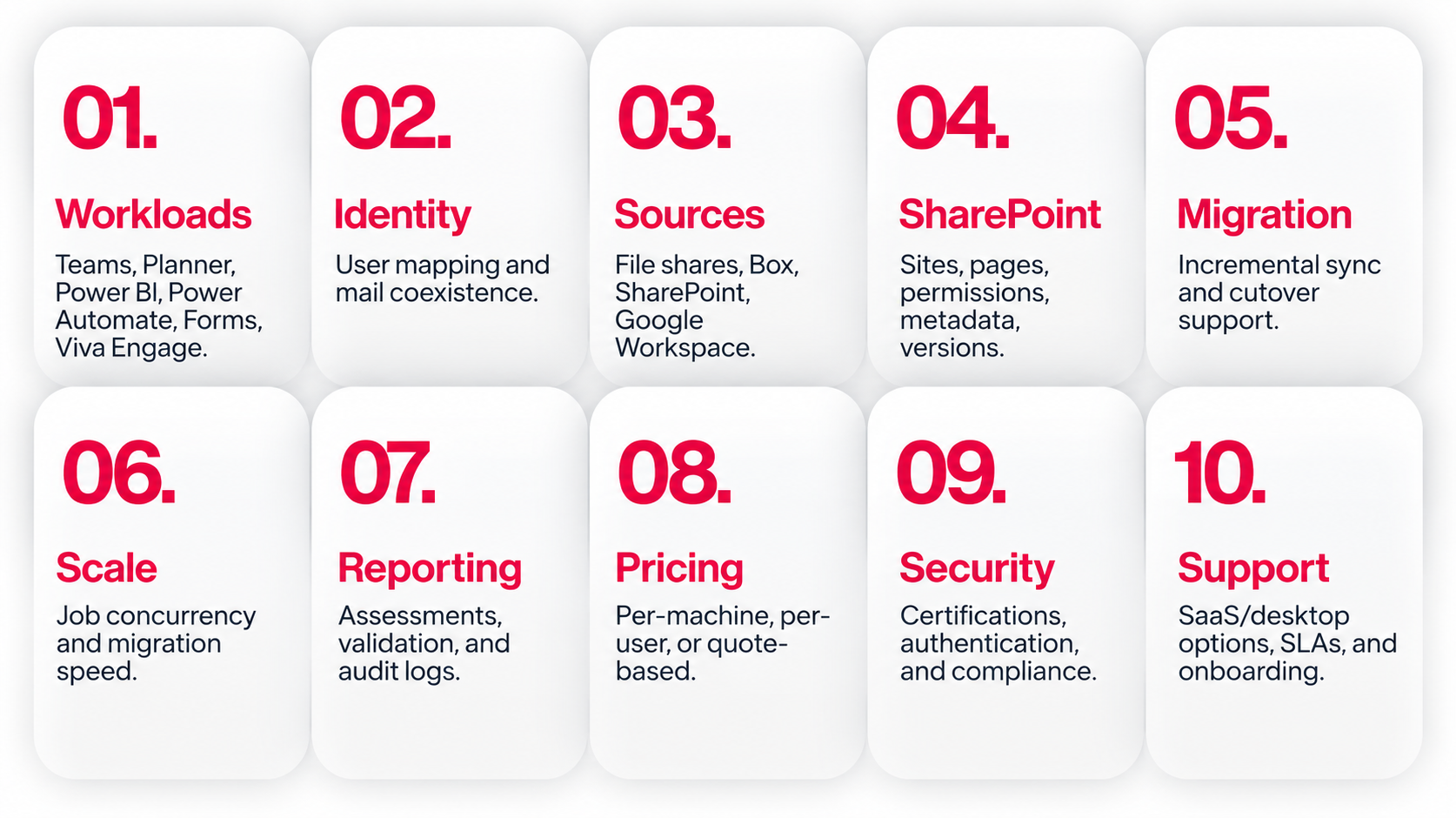
Run a pre-migration inventory first. It is the cheapest hour of the project. Then weigh these factors against what the inventory shows:
- Workload scope: which Microsoft 365 workloads are actually in use. Teams chat, Planner Premium, Power BI, Power Automate, Forms, and Viva Engage are where tools diverge most.
- Identity: whether users must be created and mapped at the destination with mail coexistence. If yes, prioritize Quest or ShareGate; Apps4.Pro requires identity to be handled separately.
- Sources: file shares, Box, on-premises SharePoint, or Google Workspace; some tools in and others out.
- SharePoint fidelity: support for your site types (modern, classic, communication, hub), site pages, content types, lists, libraries, permissions, metadata, and version history.
- Incremental and cutover: delta passes let users keep working in the source until the final switch.
- Scale and throughput: parallel machine installations or concurrent jobs determine whether you hit a fixed cutover date.
- Reporting: pre-migration assessment plus item-level validation and audit logs are what you show stakeholders.
- Pricing model: per-machine flat rate (ShareGate, Apps4.Pro) versus per-user (BitTitan) versus quote-based (AvePoint, Quest, Cloudiway, CloudFuze).
- Security and compliance: ISO certifications, national-cloud support, and tenant authentication.
- Support and delivery: SaaS versus desktop versus managed service, SLA response times, and whether onboarding help is included.
Conclusion
There is no single best ShareGate alternative, and any article that names one without asking about your scope is guessing. The right choice falls out of three questions: does the project need identity migration, does it involve non-Microsoft sources, and how far does the workload scope reach beyond Exchange, SharePoint, OneDrive, and Teams channels?
If you need Entra ID migration or sources like Box, file shares, or on-premises SharePoint, ShareGate or Quest is usually the answer. If your move is Microsoft 365 to Microsoft 365 but reaches into Teams chat, Planner Premium, Power BI, Power Automate, Forms, or Viva Engage, Apps4.Pro covers that ground in a single license where most tools stop at the core four. AvePoint Fly and CloudFuze handle the largest and most complex programmes, BitTitan fits mailbox-led per-user moves, and Cloudiway suits mixed collaboration platforms.
Start with the pre-migration inventory. Once you can see every workload your source tenant holds, the shortlist narrows itself, and the tools that looked interchangeable at the start turn out to fit very different projects. Most vendors here offer a free trial or assessment, so test against your real tenants before you commit.
















